

CAD Software Cost: What Should Businesses Evaluate Beyond License Price?When businesses evaluate engineering software, the first question is often:
How much does the CAD license cost?
While license pricing is important, it represents only one part of the actual
CAD software cost over the lifecycle of the solution.
For engineering and manufacturing companies, a CAD system can affect much more
than the software budget. It can influence engineering productivity, workstation
requirements, training, technical support, data exchange, collaboration,
manufacturing workflows and the ability to scale as the organization grows.
For this reason, businesses should evaluate CAD investment from a broader
perspective rather than comparing solutions based only on their initial license price.
What Does CAD Software Really Cost?
The total cost of CAD software can include both direct and indirect expenses.
Some costs are visible during the purchasing process, while others appear during
implementation and daily operation.
A practical way to evaluate the investment is to consider:
- Software license
- License model and number of users
- Engineering workstations and IT infrastructure
- Implementation and initial configuration
- Engineer training
- Technical support
- Data exchange and workflow integration
- Scalability
- Productivity and downtime
- Long-term operating costs
Together, these factors provide a more realistic view of
CAD software total cost of ownership.
1. CAD Software License Cost
The license is the most visible component of CAD software pricing,
but the actual price can depend on the software configuration, included capabilities,
licensing model, number of users and commercial terms.
A company that only needs core 3D mechanical design capabilities may have very
different requirements from an organization that also needs advanced simulation,
manufacturing, mold design, additive manufacturing or other engineering capabilities.
Therefore, businesses should avoid comparing CAD systems using a single headline
price without first determining which capabilities their engineering teams actually need.
2. License Model and Number of Users
The licensing model can have a significant impact on how efficiently software
licenses are utilized within an organization.
Before purchasing CAD software, businesses should understand:
- How many engineers need access to the software?
- Do all engineers need access at the same time?
- Will the software be used from fixed workstations or across multiple users?
- Are different engineering teams working in different locations?
- How might the number of users change in the future?
For PTC Creo, organizations may encounter different licensing approaches depending
on the product and commercial configuration. Understanding the difference between
license models is important when planning software utilization across engineering teams.
3. Workstations and IT Infrastructure
Engineering software should not be evaluated independently from the hardware
environment in which it will operate.
Complex assemblies, detailed 3D models, simulation workloads and manufacturing
operations may require appropriate CPU performance, memory, graphics capability
and storage.
If existing engineering workstations do not meet the required specifications,
hardware upgrades can become part of the overall CAD implementation cost.
Businesses should therefore review both software requirements and workstation
capabilities before deployment.
4. Implementation and Initial Configuration
Purchasing a CAD license does not automatically mean that the engineering team
is ready to use the system efficiently.
Depending on the organization, implementation may involve:
- Software installation and deployment
- License configuration
- Template configuration
- Drawing standards
- Material libraries
- Company-specific engineering standards
- Data migration
- Integration with existing engineering processes
A well-planned deployment can help reduce disruption and allow engineers to adopt
the new environment more effectively.
5. Engineer Training and Software Adoption
Training is another important component of the real
CAD software cost.
Even powerful engineering software can deliver limited business value if engineers
cannot use its capabilities efficiently.
Training requirements can vary significantly. Engineers who are already familiar
with parametric 3D CAD may require less onboarding, while teams migrating from
another CAD platform may need additional training and workflow guidance.
Businesses should evaluate not only the direct cost of training but also the time
required for engineers to become productive with the new software.
6. Technical Support After Deployment
Technical support can become particularly important when CAD software is used
in production engineering environments.
Typical support requirements may include:
- Installation and license issues
- Software configuration
- Compatibility questions
- Data import and export
- CAD workflow troubleshooting
- Software updates
- Technical guidance for engineering teams
When software is part of a critical engineering workflow, the ability to resolve
technical issues efficiently can help reduce unnecessary downtime.
7. Data Exchange and Workflow Integration
Modern engineering organizations rarely use CAD software in isolation.
Design data may need to move between customers, suppliers, manufacturing teams,
simulation tools, CAM systems and product lifecycle management environments.
Businesses should evaluate whether the CAD solution can support the file formats
and workflows commonly used across their supply chain.
Poor interoperability can create hidden costs through manual data conversion,
rework, duplicate modeling and engineering delays.
8. Scalability as the Business Grows
The CAD system selected today should also support the company’s future engineering
requirements.
A business may begin with a relatively small design team but later require additional
users, advanced simulation, manufacturing capabilities, collaboration tools or
product data management.
For this reason, scalability should be considered when evaluating
CAD software for business.
A platform that supports additional engineering capabilities can help organizations
expand their digital product development environment as requirements evolve.
9. Productivity and Downtime Costs
One of the most frequently overlooked costs is engineering time.
A lower software price does not necessarily result in a lower overall cost if
engineers spend additional time rebuilding models, converting data, resolving
compatibility problems or waiting for technical issues to be fixed.
For engineering organizations, even small productivity differences can become
significant when multiplied across many users and projects.
This is why software evaluation should consider workflow efficiency in addition
to the initial CAD license cost.
10. CAD Software Total Cost of Ownership
A broader way to evaluate CAD software cost is through
Total Cost of Ownership, commonly referred to as TCO.
A simplified evaluation framework can be expressed as:
CAD TCO = License + Implementation + Hardware + Training + Support +
Integration + Operating Costs
This is not a fixed pricing formula. Instead, it is a framework that helps
businesses identify the major cost categories that may influence the total
investment over time.
Evaluating CAD software TCO can provide a more complete
financial perspective than comparing license prices alone.
CAD Software Cost Evaluation Checklist
Before selecting a CAD platform, businesses can use the following questions
as an initial evaluation checklist:
| Evaluation Area | Key Question |
|---|---|
| Engineering requirements | What design and engineering capabilities are actually required? |
| Users | How many engineers need access to the software? |
| Licensing | Which licensing model fits the team’s usage pattern? |
| Hardware | Can existing workstations support the required workloads? |
| Implementation | What configuration or migration work is required? |
| Training | How quickly can engineers become productive? |
| Support | What technical support will be available after deployment? |
| Integration | Can the software exchange data with existing systems? |
| Scalability | Can the solution expand as engineering requirements grow? |
| TCO | What is the expected total cost over the planned usage period? |
Evaluating PTC Creo Costs Based on Business Requirements
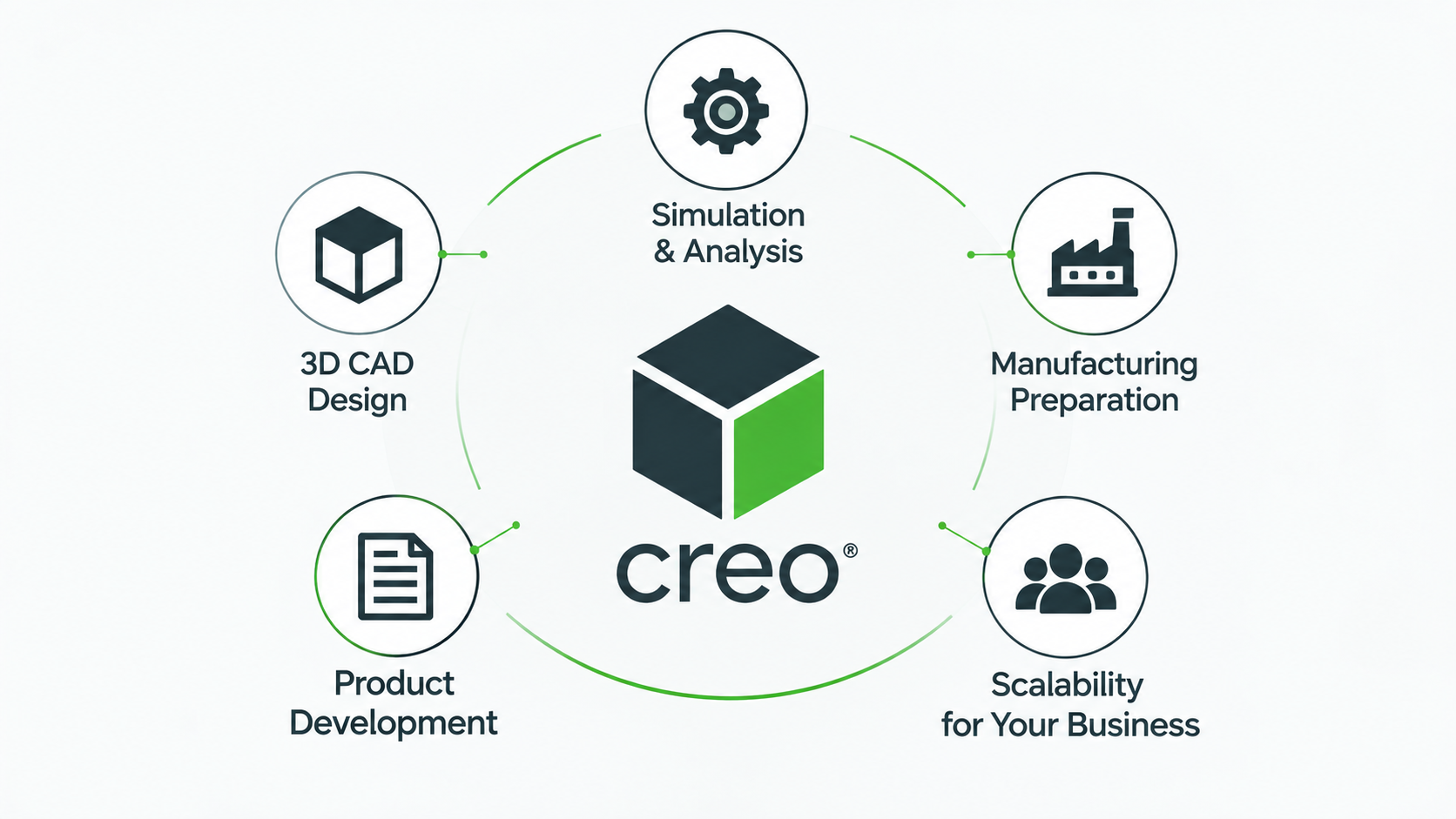 For businesses considering PTC Creo, the evaluation should
begin with engineering requirements rather than a single price point.
According to product information from
PTC Creo
,
Creo supports product design and development workflows ranging from 3D CAD
design to additional advanced engineering capabilities depending on the
solution and configuration deployed.
The appropriate Creo configuration can therefore vary between companies.
A mechanical design team, mold manufacturer, machine builder or enterprise
R&D department may have different requirements.
Before requesting a quotation, businesses should identify which capabilities
are essential for current projects and which capabilities may be required
in the future.
What Should a Business Prepare Before Requesting a CAD Quote?
Providing clear requirements can make the quotation and software configuration
process more effective.
Businesses should ideally prepare information such as:
- Number of intended users
- Engineering disciplines involved
- Current CAD software
- Typical product and assembly complexity
- Required CAD, CAM, CAE or mold design capabilities
- Required file formats
- Existing workstation specifications
- Expected implementation timeline
- Future expansion plans
With this information, a CAD solution can be evaluated according to actual
engineering requirements rather than selecting a package solely on price.
FAQ About CAD Software Cost
 What is included in CAD software cost?
CAD software cost can include the license, implementation, engineering
workstations, training, technical support, system integration and ongoing
operating expenses. The relevant cost categories depend on the organization
and deployment model.
Is CAD license price the most important cost?
License price is important, but it should not be considered in isolation.
Engineering productivity, training, implementation, hardware, support and
integration can also influence the total cost of using CAD software.
What is CAD software TCO?
CAD software TCO, or Total Cost of Ownership, is a broader way of evaluating
the costs associated with acquiring, implementing, operating and supporting
a CAD solution over a defined period.
Should workstation costs be included when evaluating CAD software?
Yes, when new hardware or workstation upgrades are required for the intended
CAD workloads, those expenses should be considered as part of the overall
implementation budget.
Should training be included in CAD implementation costs?
Training should be considered because it affects how quickly engineers can
adopt the software and use its capabilities effectively.
How should a business choose the right CAD package?
The selection should begin with actual engineering requirements, including
design complexity, number of users, required capabilities, interoperability,
manufacturing workflows and future expansion plans.
What should businesses compare when evaluating CAD software?
Businesses should compare functionality, licensing, hardware requirements,
implementation, training, technical support, interoperability, scalability,
engineering productivity and total cost of ownership rather than license
price alone.
Talk to CADCAM SOFTWARE About PTC Creo
If your business is evaluating PTC Creo, CADCAM SOFTWARE can work with your
engineering team to identify requirements, intended users and the capabilities
needed for your design and product development workflows.
The objective is to determine an appropriate PTC Creo configuration based on
actual business and engineering requirements before confirming commercial
pricing.
CADCAM SOFTWARE COMPANY LIMITED
Hanoi Office: No. 25, Alley 34, Giap Nhat Street, Thanh Xuan Ward, Hanoi, Vietnam
Ho Chi Minh City Office: R.1508, Tower A, Masteri Centre Point, N2 Street,
Long Binh Ward, Ho Chi Minh City, Vietnam
Tel: 024 6673 7986
Hotline: 0906 621 818
Email: info@cadcamsoftware.vn