
SEO Title: Creo Simulation Software | Integrated CAE in Creo

Analyze and evaluate product performance directly on Creo models, helping engineering teams identify potential issues, compare design alternatives, and improve products before physical prototyping.
Request a Commercial Quote →

SEO Title: Creo Simulation Software | Integrated CAE in Creo

Analyze and evaluate product performance directly on Creo models, helping engineering teams identify potential issues, compare design alternatives, and improve products before physical prototyping.
Request a Commercial Quote →

What Is Creo Simulation?

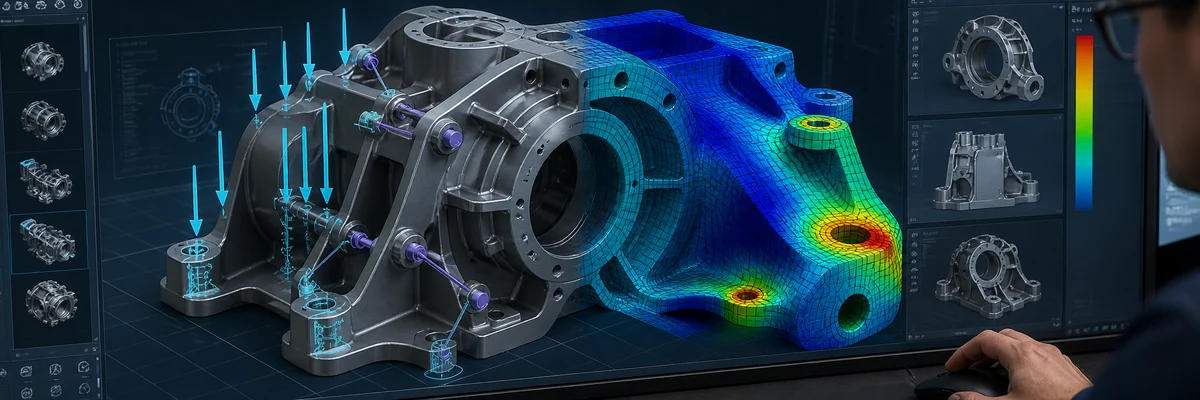
Creo Simulation is a suite of simulation tools integrated into the Creo design environment. Engineers can work directly with 3D models and define materials, loads, constraints, and boundary conditions to evaluate product behavior under expected operating conditions.

Connecting design and simulation helps businesses:

  • Evaluate design alternatives throughout product development.

  • Minimize geometry conversion and model reconstruction.

  • Identify areas at risk of excessive deformation, overheating, or instability.

  • Compare multiple design options before physical prototyping.

  • Improve designs based on engineering analysis results.

What Can Creo Simulation Analyze?

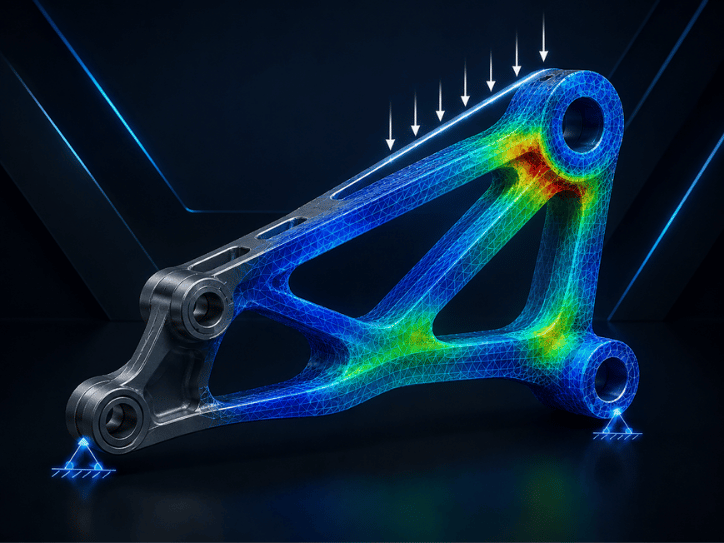
Structural Analysis

Evaluate stress, deformation, displacement, and safety factors in components or assemblies under applied loads.
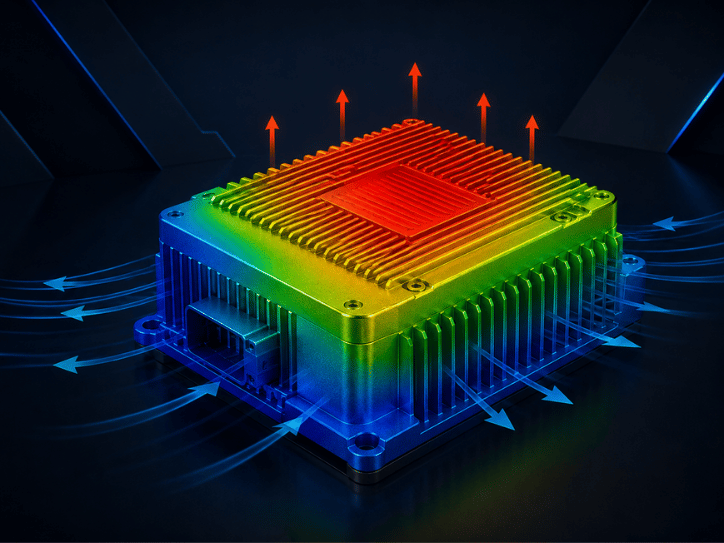
Thermal Analysis

Simulate temperature distribution and heat transfer to identify areas at risk of overheating.
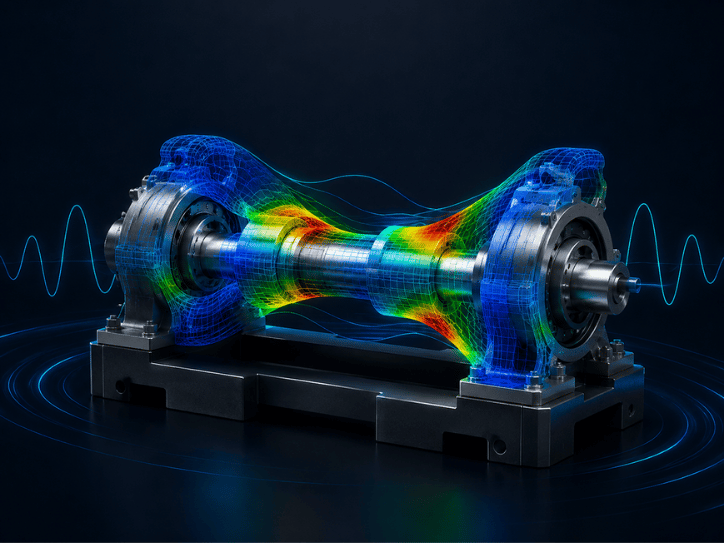
Vibration Analysis

Evaluate natural frequencies and mode shapes to help prevent resonance and instability during operation.
Fatigue Analysis

Estimate product durability and service life under repeated or cyclic loading conditions.

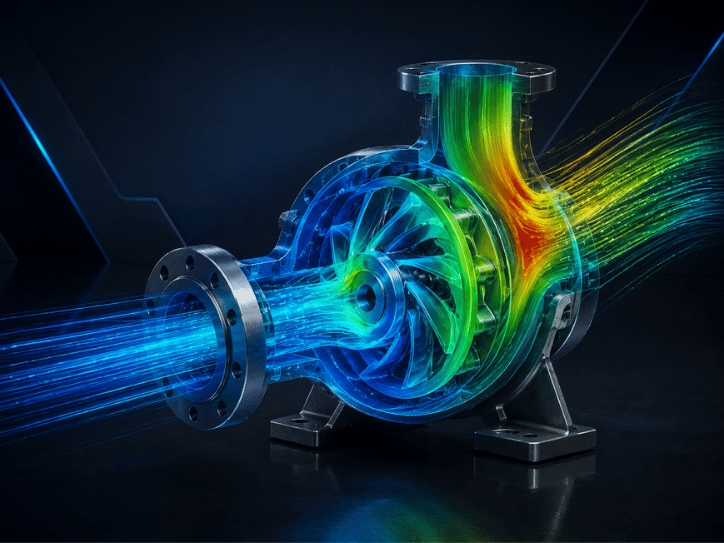
Flow Analysis

Simulate liquid and gas flow, heat transfer, turbulence, and particle behavior using Creo Flow Analysis.
Creo Simulation Solutions

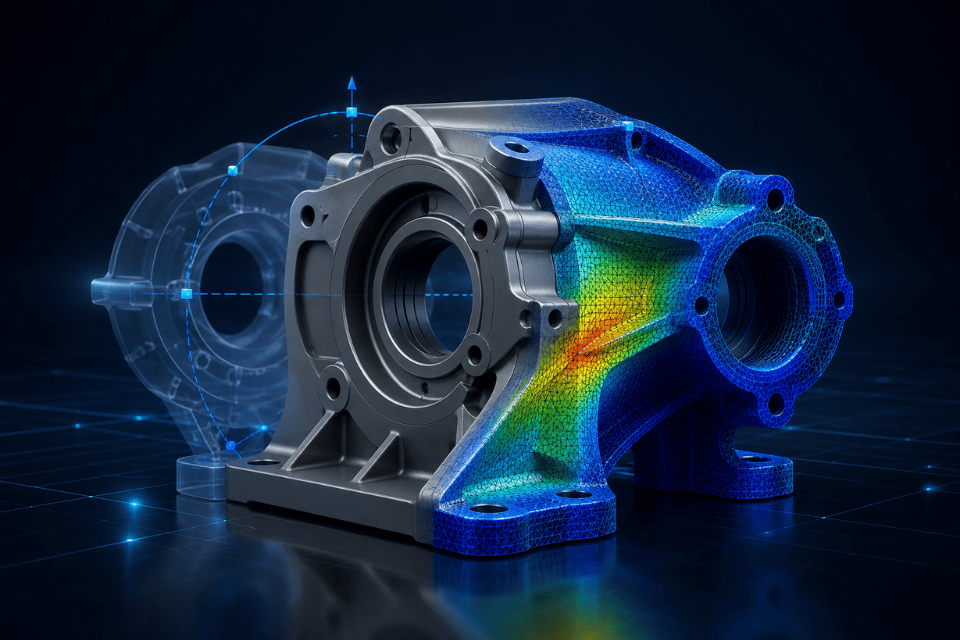
Creo Simulation Live

Provides simulation feedback during the design process, helping engineers quickly evaluate how model changes affect product performance.
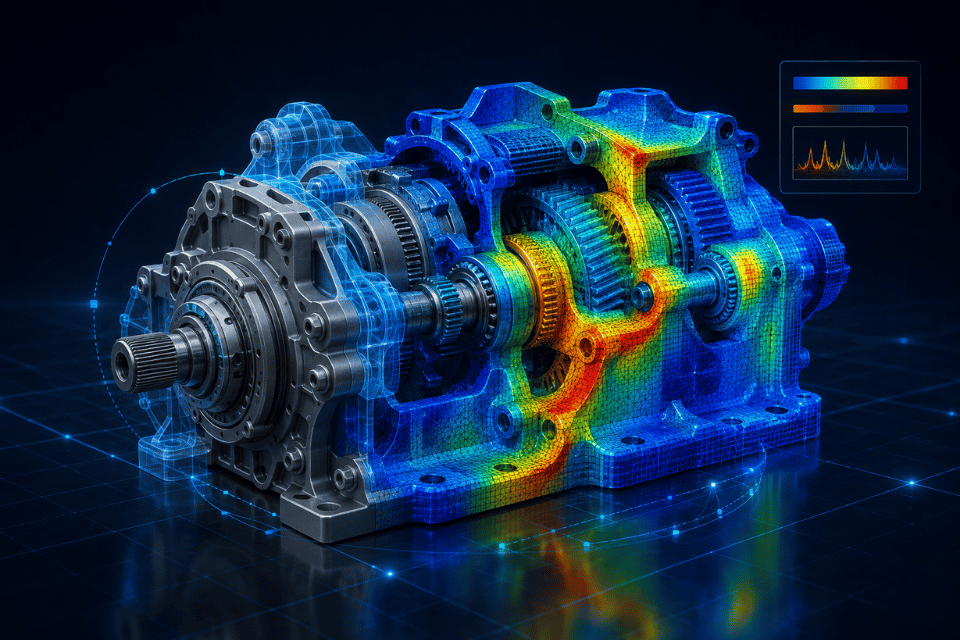
Creo Ansys Simulation

Combines the Creo design environment with Ansys solver technology to perform structural, thermal, and vibration studies on product models.
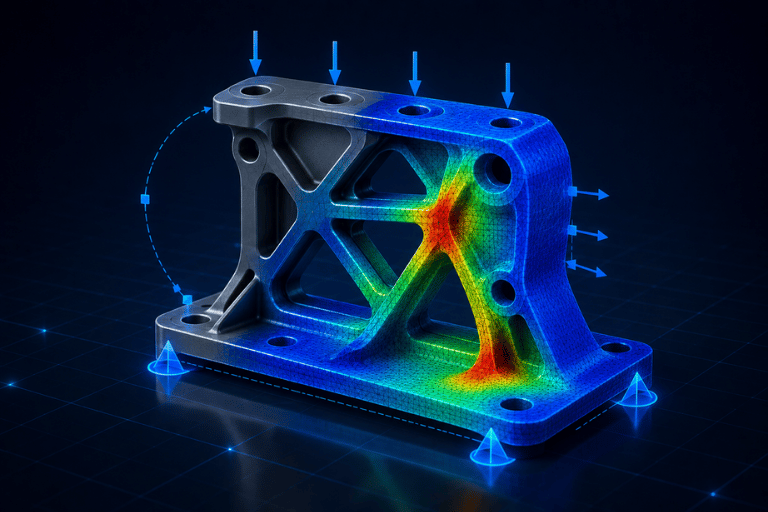
Creo Simulation Extension

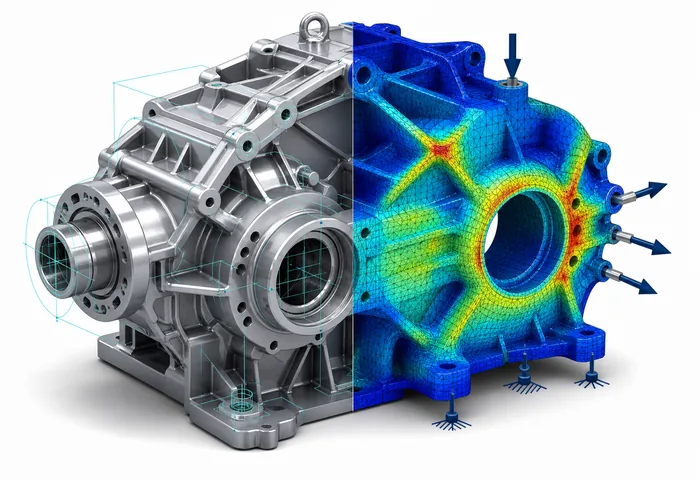
A finite element analysis solution for evaluating the structural, thermal, and modal performance of digital prototypes before manufacturing.
Creo Advanced Simulation Extension

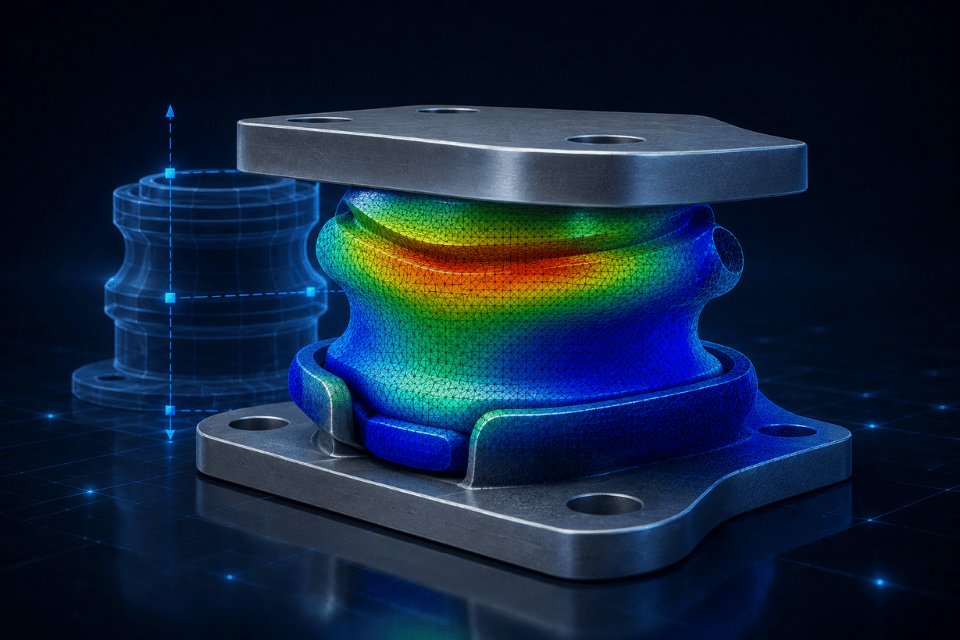
Extends simulation capabilities for more complex studies, including the effects of nonlinear behavior on product performance.

Creo Flow Analysis

Evaluates liquid flow, gas flow, and heat transfer within or around a product model.
Creo Fatigue Advisor Extension

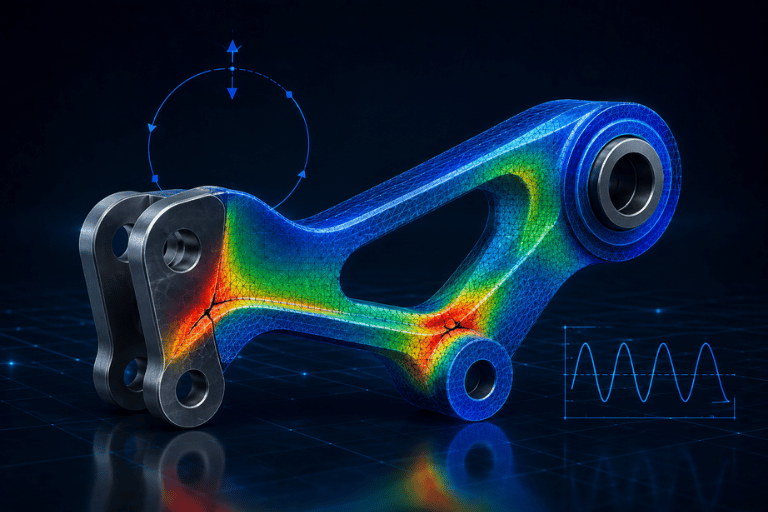
Supports the evaluation of product durability and service life under repeated loading during operation.
Product Simulation Workflow in Creo

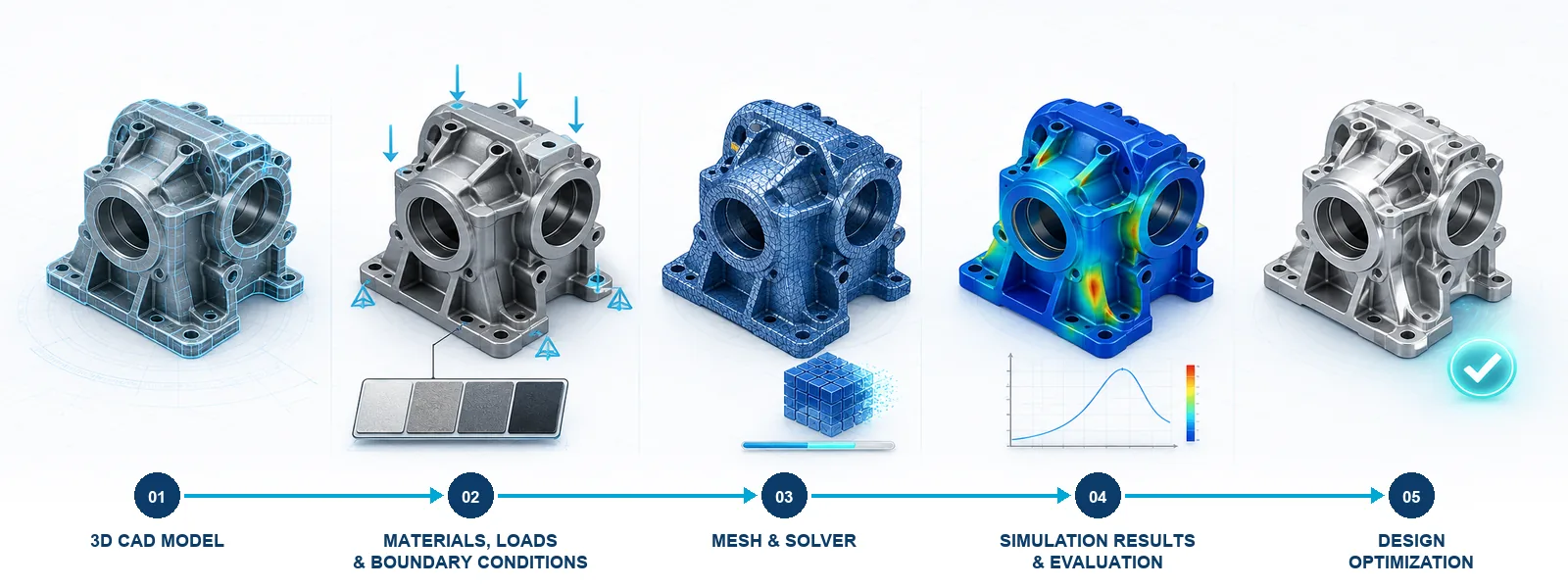
Step 1 — Prepare the Model

Use a component or assembly created in Creo Parametric.

Step 2 — Set Up the Simulation

Define materials, loads, connections, constraints, and boundary conditions based on actual operating requirements.

Step 3 — Run the Analysis

Perform structural, thermal, vibration, fatigue, or flow studies using the appropriate module.

Step 4 — Evaluate the Results

Review stress, deformation, displacement, temperature, natural frequencies, and other relevant engineering parameters.

Step 5 — Refine the Design

Modify the Creo model and rerun the analysis to validate the improved design.

Who Should Use Creo Simulation?

Design and R&D Teams

For engineers using Creo Parametric who need to evaluate structural, thermal, or vibration performance directly on their design models.
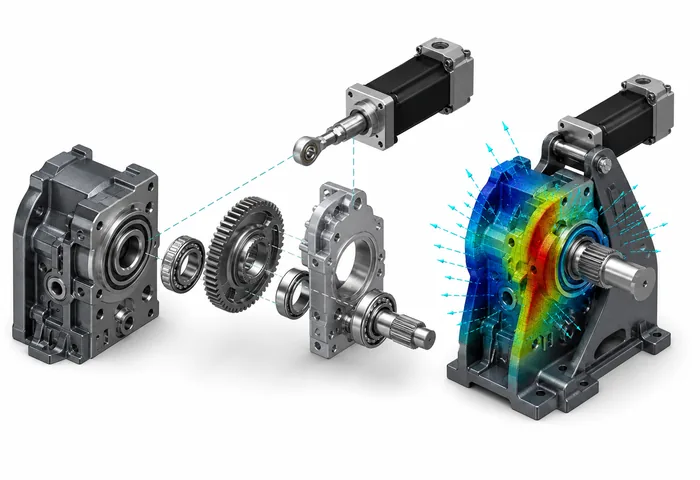
Machinery and Equipment Manufacturers

Suitable for businesses designing industrial machinery, automation equipment, fixtures, and mechanical assemblies.
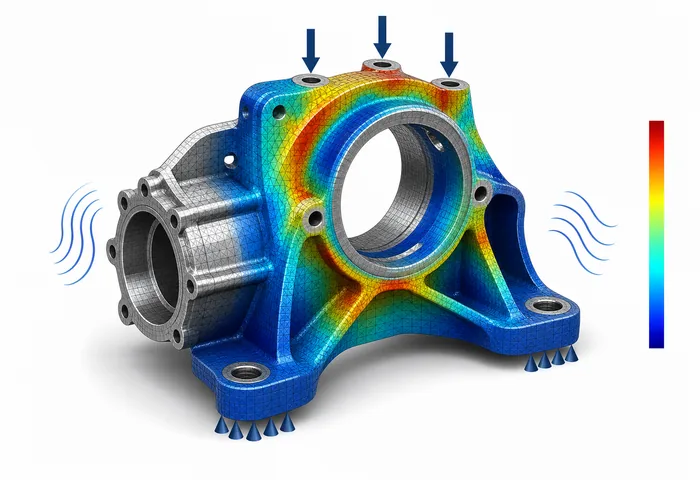
Products with Demanding Engineering Requirements

For products that require load capacity, temperature distribution, vibration, fatigue, or durability assessment before manufacturing.
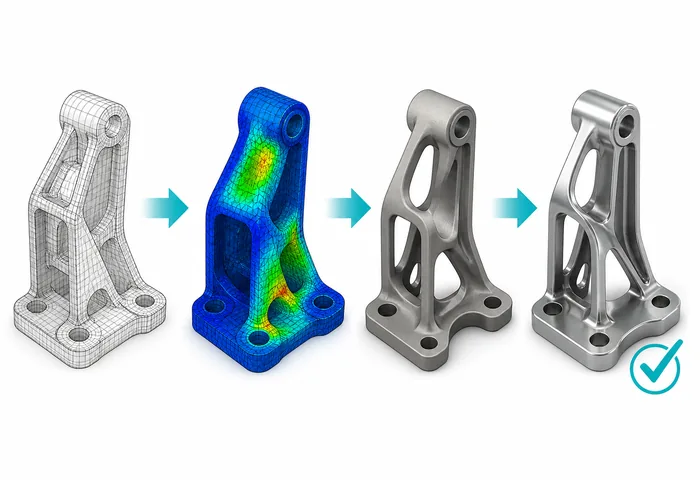
Businesses Optimizing Product Development

Supports the evaluation of multiple design alternatives, early issue detection, and fewer physical prototype iterations.

Sign Up for Consultation & Licensed Software Quote

Frequently Asked Questions (FAQ)

Creo Simulation is an engineering simulation solution within the Creo ecosystem. The term “Creo CAE” may be used to describe its broader CAE capabilities, but the official product name used in the page title and headings should be “Creo Simulation.”

Creo Simulation Live focuses on providing rapid feedback as engineers modify their designs. Creo Simulation Extension is designed for setting up and evaluating more comprehensive structural, thermal, and vibration studies.

Liquid flow, gas flow, and convective heat-transfer analysis are performed using Creo Flow Analysis. These capabilities should not be described as being included by default in every Creo Simulation package.

Yes. Creo Ansys Simulation integrates Ansys solver technology into the Creo environment, enabling engineers to set up simulations and review results directly on their design models.