What Is BOM Management? eBOM, mBOM and Product Data
 What is BOM management? Bill of Materials (BOM) management is the process of creating, organizing, controlling and updating the product structures, components, materials and related information needed throughout a product’s lifecycle. In manufacturing, a BOM is more than a spreadsheet listing parts and quantities. It connects engineering design with production planning, procurement and change management. Two important BOM views are the Engineering Bill of Materials (eBOM), which represents a product from a design perspective, and the Manufacturing Bill of Materials (mBOM), which organizes the components and materials required to build it. When these structures are not properly aligned, manufacturers risk using incorrect components, outdated revisions or incomplete production information.
For complex mechanical products, effective BOM management requires controlled product data, traceable relationships and clearly defined release processes.
What Is BOM Management and Why Does It Matter?
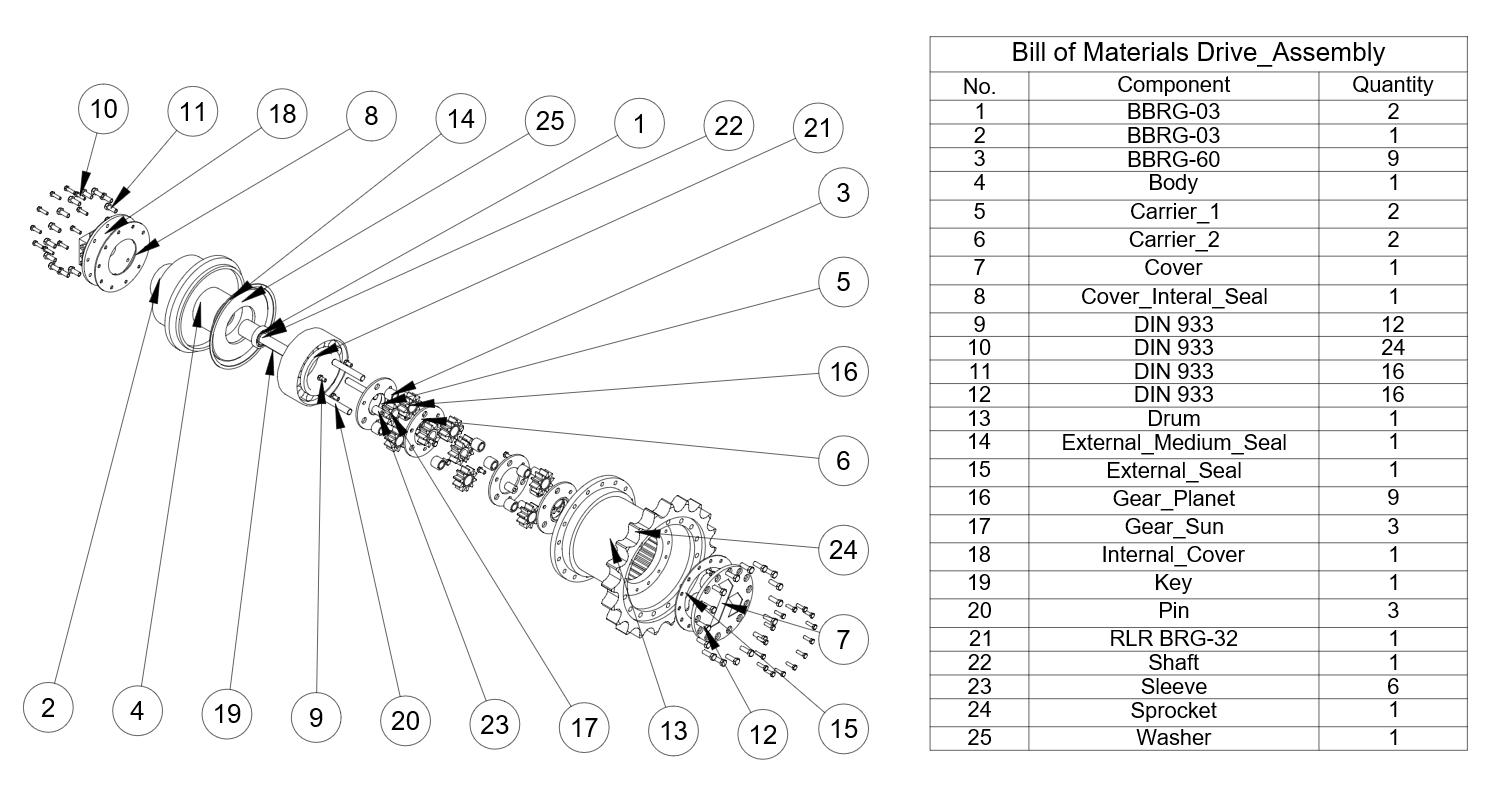
A Bill of Materials is a structured definition of the parts, materials and assemblies that make up a product. A multi-level BOM typically places the finished product at the highest level, followed by its subassemblies and components.
BOM management extends beyond listing quantities. It includes part identification, revision control, lifecycle states, product configurations, relationships with CAD data and the evaluation of engineering changes.
For manufacturers, the objective is to maintain reliable product information that engineering, manufacturing and other authorized stakeholders can use throughout development and production.
What Information Does a BOM Contain?
- Part Number: A unique identifier for a component or assembly.
- Part Name and Description: The name and description of the item.
- Quantity: The required number or amount of each component.
- Unit of Measure: Pieces, sets, meters, kilograms or other relevant units.
- Revision: The controlled revision of an engineering item.
- Material and Specification: Applicable material or technical requirements.
- Lifecycle State: Development, review, approved or released status.
- Parent–Child Relationships: The hierarchy between assemblies and their components.
- Configuration and Effectivity: Applicability to specific product variants, serial ranges or dates when managed.
The information required varies by BOM type and business process. Not every BOM contains the same fields or level of manufacturing detail.
What Is an Engineering BOM (eBOM)?
An Engineering Bill of Materials (eBOM) defines a product from the engineering and design perspective. It represents the assemblies, subassemblies and components needed to satisfy the product’s technical definition.
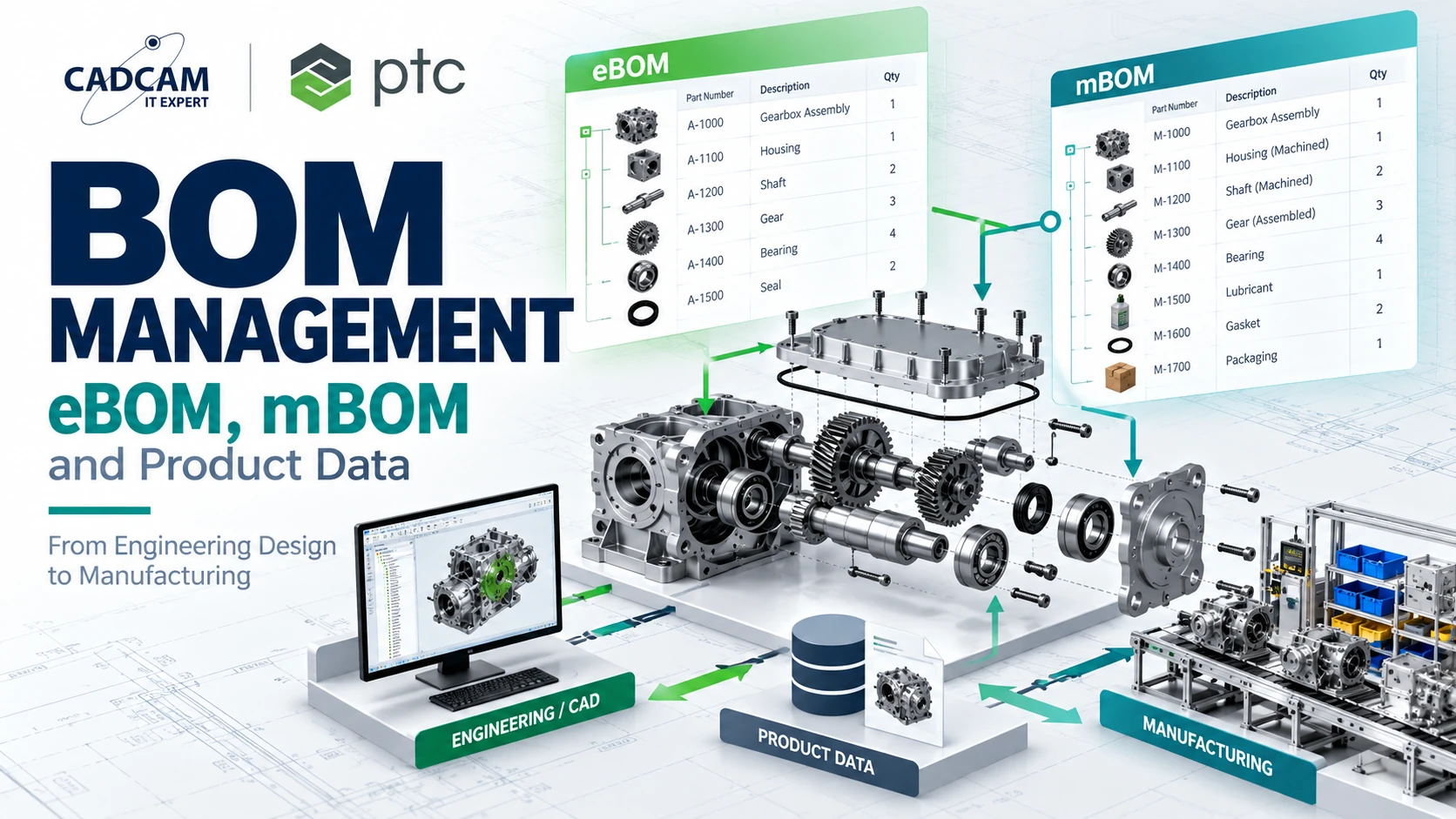
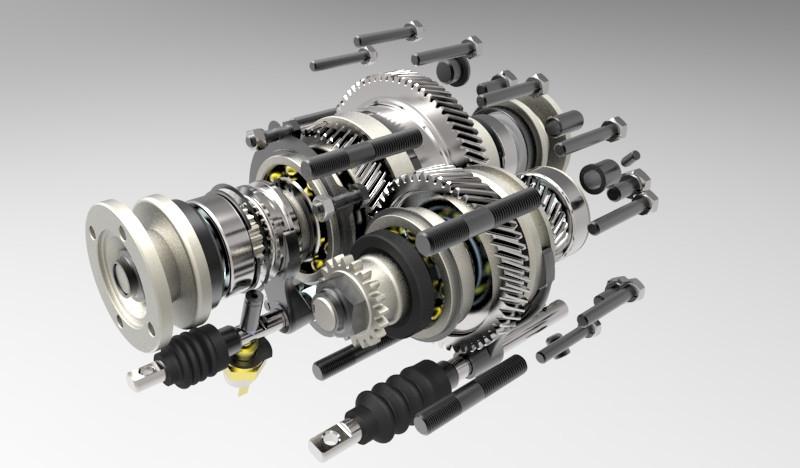
For example, a gearbox assembly designed in Creo Parametric may contain housing components, shafts, gears, bearings, seals and fasteners organized according to the engineering assembly structure.
An eBOM may be developed from CAD information and managed product parts in a PDM or PLM system. However, not every eBOM item must correspond directly to a geometric CAD model.
Why Is an eBOM Important?
- Captures the engineering definition and design intent.
- Links product parts to relevant CAD models and documentation.
- Supports design reviews, revisions and controlled release.
- Provides a foundation for manufacturing and service-oriented product structures.
What Is a Manufacturing BOM (mBOM)?
A Manufacturing Bill of Materials (mBOM) organizes the materials, components and subassemblies needed to manufacture and assemble a product.
Unlike an eBOM, an mBOM is structured around manufacturing requirements. It may include production-specific materials, consumables, packaging or intermediate assemblies depending on the company’s processes and data governance rules.
Manufacturing engineers may also reorganize the product structure to reflect assembly stages, production locations or other shop-floor requirements.
Why Is an mBOM Important?
- Supports production and material planning.
- Organizes components around manufacturing and assembly requirements.
- Provides governed information for ERP and MES integration.
- Helps evaluate the manufacturing impact of engineering changes.
eBOM vs mBOM: Key Differences
| Criteria | eBOM | mBOM |
|---|---|---|
| Purpose | Defines the engineered product | Defines manufacturing requirements |
| Primary users | Design engineers and R&D | Manufacturing engineering and production planning |
| Structure | Engineering and functional assembly hierarchy | Manufacturing and assembly-oriented structure |
| Typical inputs | CAD, product parts and specifications | eBOM, process plans and plant requirements |
| Additional information | Engineering specifications and design configurations | Manufacturing materials and production groupings |
| Related systems | CAD, PDM and PLM | PLM, ERP and MES |
| Change management | Controls engineering product changes | Evaluates and implements manufacturing impact |
The eBOM and mBOM do not need to have identical structures. What matters is maintaining traceable relationships and controlled change processes between the engineering and manufacturing definitions.
Engineering Example: eBOM and mBOM for a Gearbox Assembly
Consider a manufacturer developing a mechanical gearbox consisting of a housing, two shafts, gears, bearings, seals and covers. The engineering BOM organizes these components according to the design assembly structure.
When manufacturing engineers prepare the mBOM, they may group the same components around housing preparation, shaft assembly, gear installation, sealing, lubrication and packaging. Additional manufacturing materials may be required.
If engineering changes a bearing specification, manufacturing must determine whether the revision affects purchased components, assembly instructions, tools or existing inventory.
This illustrates why BOM management requires more than exporting an assembly parts list from CAD. The organization needs to maintain the relationship between engineering intent and the approved manufacturing definition.
This example is an illustrative engineering scenario, not a documented customer case study.
How to Manage BOMs from CAD to Manufacturing
 Standardize part data: Define part numbering, units, attributes and classification rules.
- Create engineering data: Develop CAD models, assemblies and technical documentation.
- Establish the eBOM: Create a managed engineering product structure in PDM or PLM.
- Review and release: Verify quantities, revisions, lifecycle states and approval requirements.
- Develop the mBOM: Organize product information for the manufacturing process.
- Connect process planning: Associate manufacturing structures with process plans and work instructions where required.
- Integrate downstream systems: Share approved information with ERP or MES through controlled interfaces.
- Manage changes: Evaluate engineering and manufacturing impacts before releasing revised information.
The workflow should be adapted to the manufacturer’s production model, existing systems and data governance maturity.
Excel BOM Management vs PLM-Based BOM Management
| Area | Spreadsheets | PLM |
|---|---|---|
| Product structures | Maintained through files and manual conventions | Managed product objects and relationships |
| Revision control | Often requires manual tracking | Controlled revisions and lifecycle states |
| Engineering changes | May be distributed across files and emails | Can be connected to change workflows |
| eBOM–mBOM alignment | Often requires manual comparison | Can maintain traceable BOM relationships |
| Access control | Depends on the file-sharing platform | Can be configured by role and lifecycle state |
Spreadsheets remain useful for simple BOMs and initial data preparation. PLM becomes more relevant when products contain many parts, revisions, configurations and cross-functional dependencies.
How Do PTC Creo and Windchill Support BOM Management?
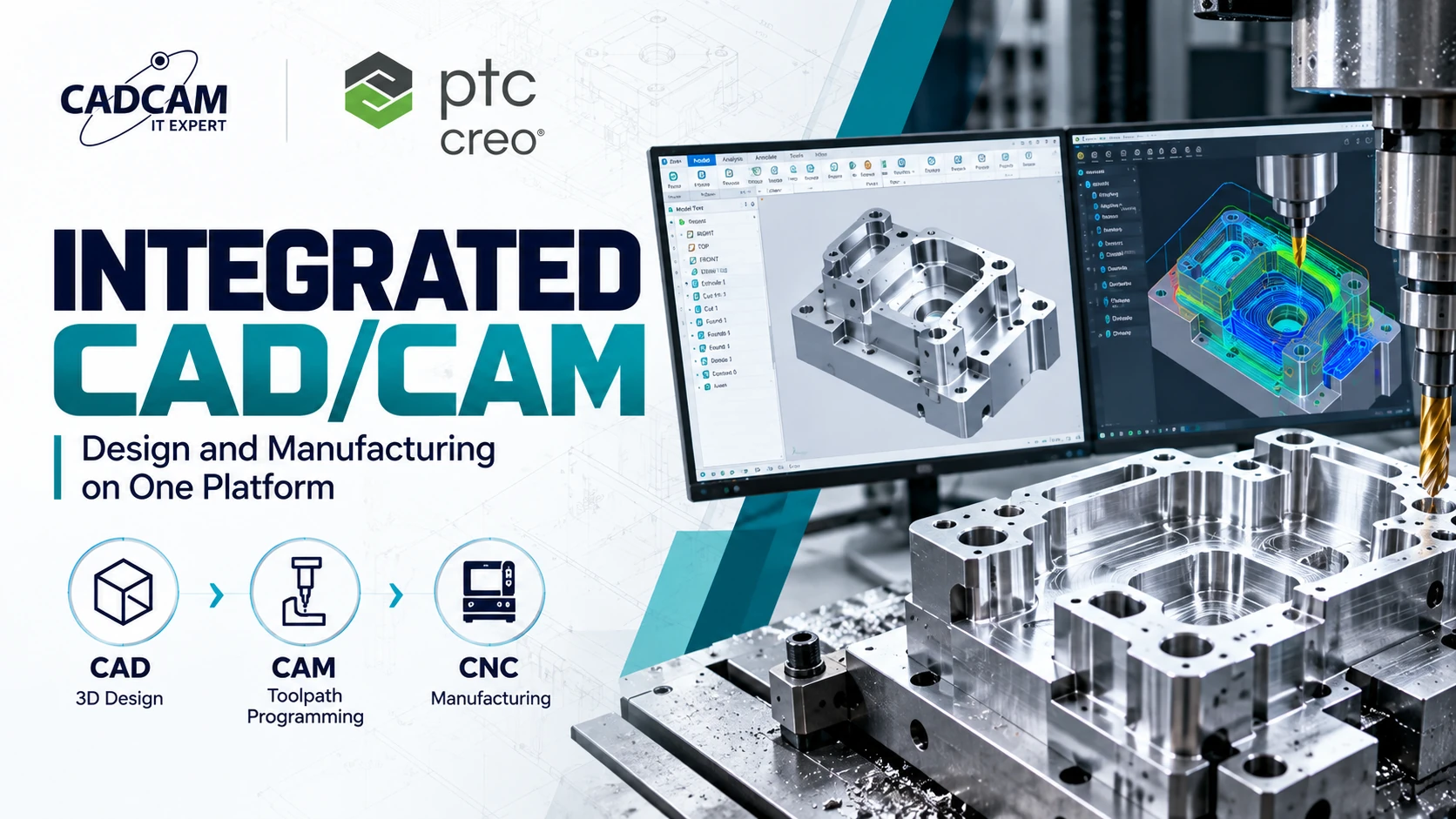
PTC Creo Parametric supports the development of 3D models, mechanical assemblies and engineering documentation. This design information provides an important foundation for the engineering product definition.
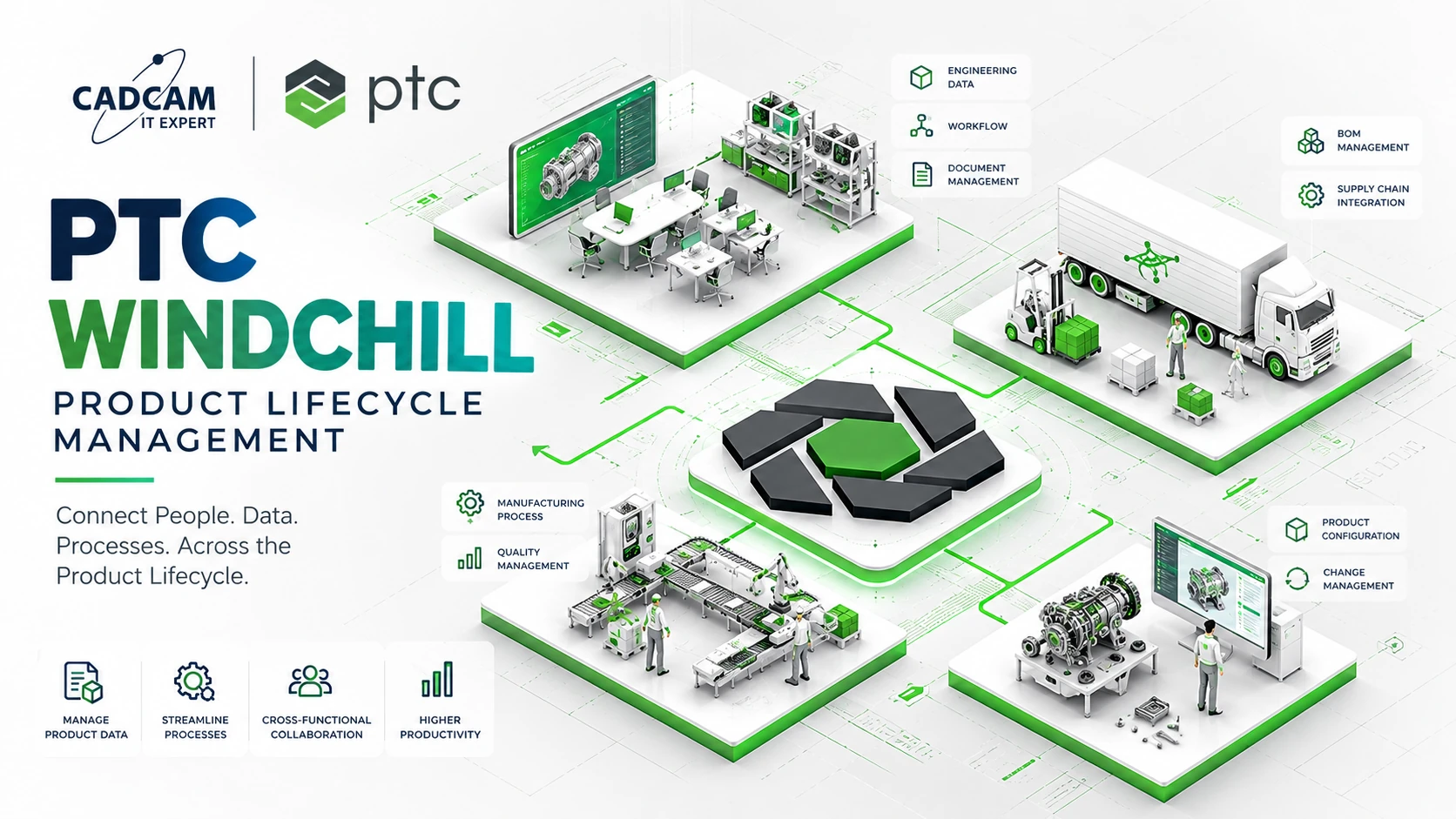
PTC Windchill PLM manages product parts, CAD data, BOM structures, revisions and engineering changes in a controlled environment.
With appropriate Manufacturing Process Management capabilities, including Windchill MPMLink where applicable, manufacturing engineers can develop manufacturing-oriented structures and process planning information linked to engineering data.
Advanced eBOM-to-mBOM transformation, process planning and ERP/MES integration should not be assumed to be included in every Windchill license or deployment. Specific capabilities depend on the modules, versions and configuration selected.
Engineering Perspective from CADCAM SOFTWARE: Evaluate BOM management using a real multi-level CAD assembly. Demonstrate a component revision and review its impact on the eBOM, mBOM and release status. This provides a practical basis for assessing the solution against actual engineering workflows.
Common BOM Management Problems in Manufacturing
- Duplicate part numbers: Inconsistent identifiers create ambiguity.
- Uncontrolled revisions: Manufacturing may use an outdated approved structure.
- Disconnected CAD and product parts: Geometry and product information become difficult to reconcile.
- Independent eBOM and mBOM updates: Engineering changes are not fully assessed downstream.
- Weak configuration management: Components may be assigned to the wrong product variant.
- Uncontrolled ERP synchronization: Incomplete or unreleased data may enter procurement and planning processes.
Addressing these problems requires consistent master data, clearly defined responsibilities and suitable change governance.
When Should Manufacturers Invest in BOM Management Software?
Dedicated BOM management becomes worth evaluating when products contain many components, engineering changes occur frequently, multiple variants are produced or several teams and factories must work with consistent product information.
Organizations with relatively simple BOMs may first benefit from standardized part numbering, release rules and basic data governance before implementing broader PLM capabilities.
Struggling to align engineering BOMs, manufacturing BOMs and CAD data?
Contact CADCAM SOFTWARE to discuss BOM governance, CAD–PLM integration and the appropriate scope for PTC Windchill PLM.
Hotline: +84 907 858 000 | Email: info@cadcamsoftware.vn
Frequently Asked Questions About BOM Management
1. What Is a BOM in Manufacturing?
A BOM is a structured list of the materials, components and assemblies required to define or manufacture a product.
2. What Is the Difference Between eBOM and mBOM?
An eBOM represents the engineering design, while an mBOM organizes the components and materials required for manufacturing and assembly.
3. Can a BOM Be Generated from CAD?
Yes. CAD systems can generate component lists from assemblies, but a managed PLM BOM may include additional product objects and information beyond CAD geometry.
4. Do eBOM and mBOM Need to Be Identical?
No. They serve different purposes, but their related items and changes should remain traceable.
5. How Does BOM Management Relate to ERP?
Approved BOM data can be shared with ERP systems to support purchasing, material planning and production through appropriate integrations.
6. Does Windchill Support BOM Management?
Yes. Windchill supports product structures, BOMs, revisions and engineering changes. Manufacturing BOM and process planning capabilities depend on the deployed solution.
7. Is PLM Necessary If a Company Already Uses Excel?
Not always. PLM is more relevant when BOM complexity, revisions, configurations and cross-functional coordination exceed what file-based processes can reliably manage.
8. What Is a Service BOM?
A Service BOM is a product structure used for maintenance, repair and service parts management during the operational lifecycle.
Conclusion
BOM management provides the structured product information needed to connect engineering and manufacturing. The eBOM describes the engineered product, while the mBOM supports how it will be built. Maintaining controlled relationships between these structures is essential for reliable product changes and cross-functional collaboration.
Explore PTC Windchill BOM Management
CADCAM SOFTWARE can help assess CAD data, engineering and manufacturing BOM structures, release processes and PLM integration requirements.
Hotline: +84 907 858 000
Email: info@cadcamsoftware.vn