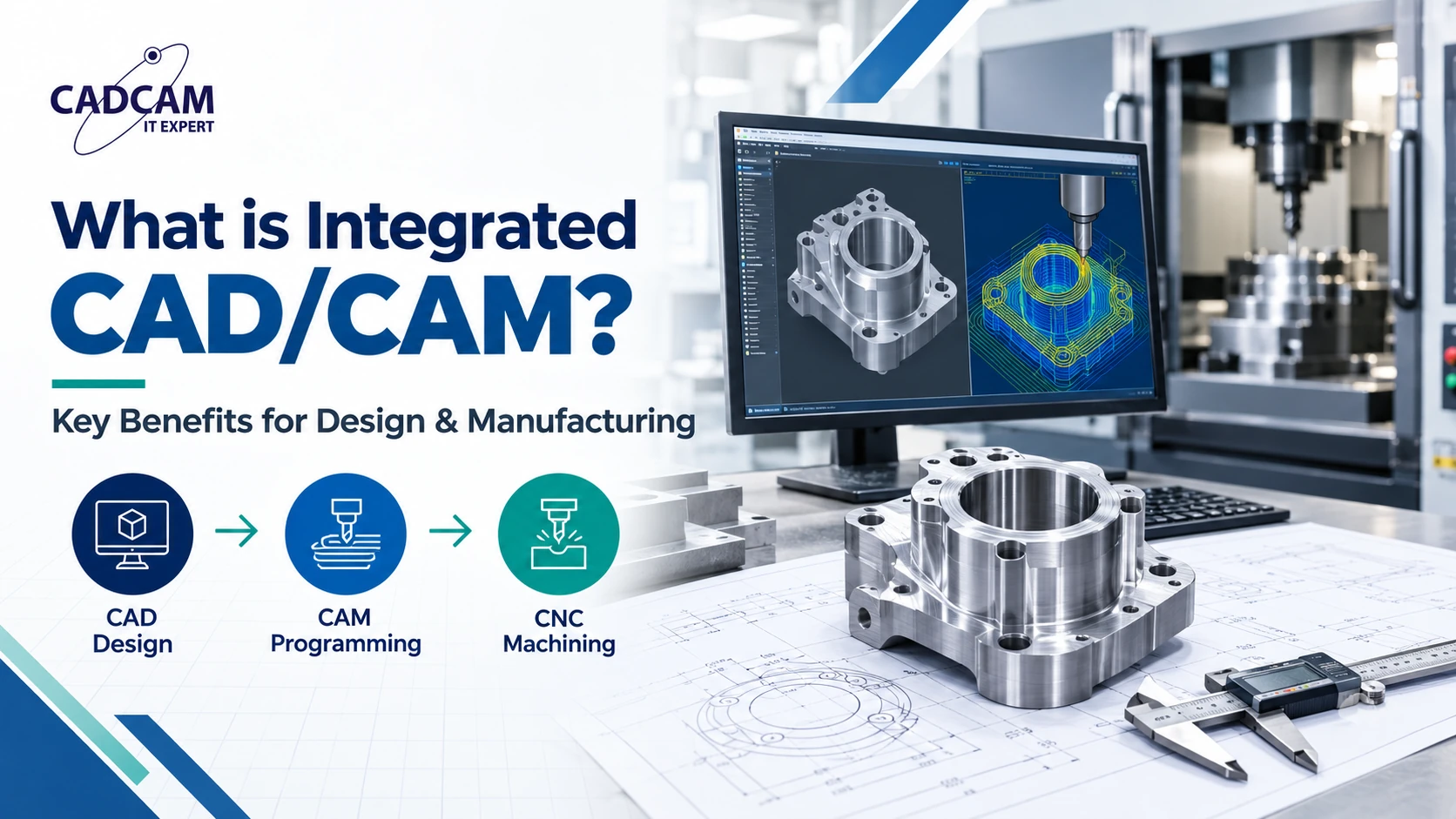
What Is Integrated CAD/CAM? Benefits of Design and Manufacturing on One Platform
For mechanical engineering companies, mold makers and CNC manufacturers, this connection can simplify engineering change management, reduce repetitive data handling and improve collaboration between design and manufacturing teams. However, integration alone does not guarantee error-free machining. Toolpaths, machine configurations, postprocessors and NC programs still need appropriate validation.
What Is Integrated CAD/CAM?
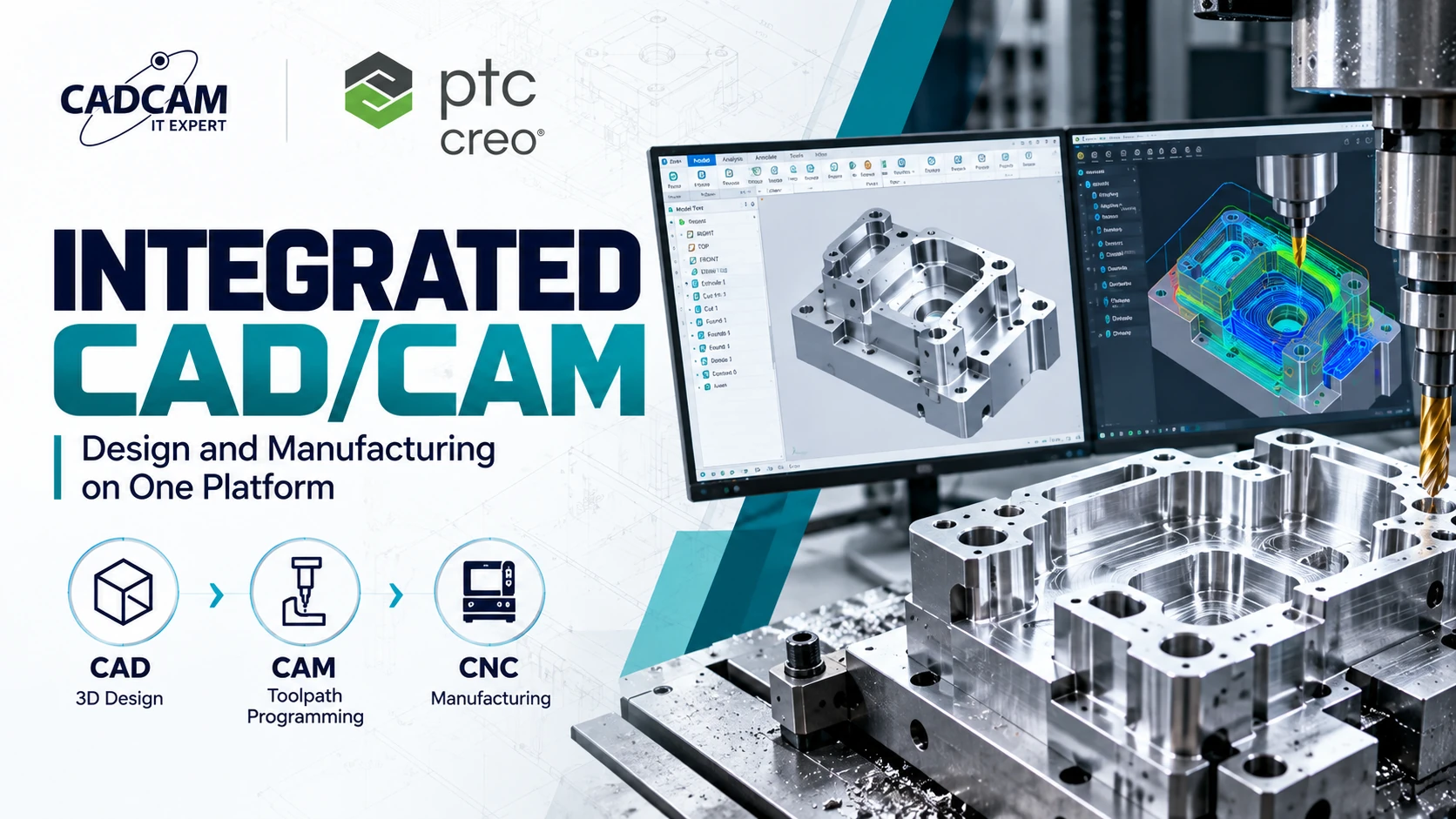
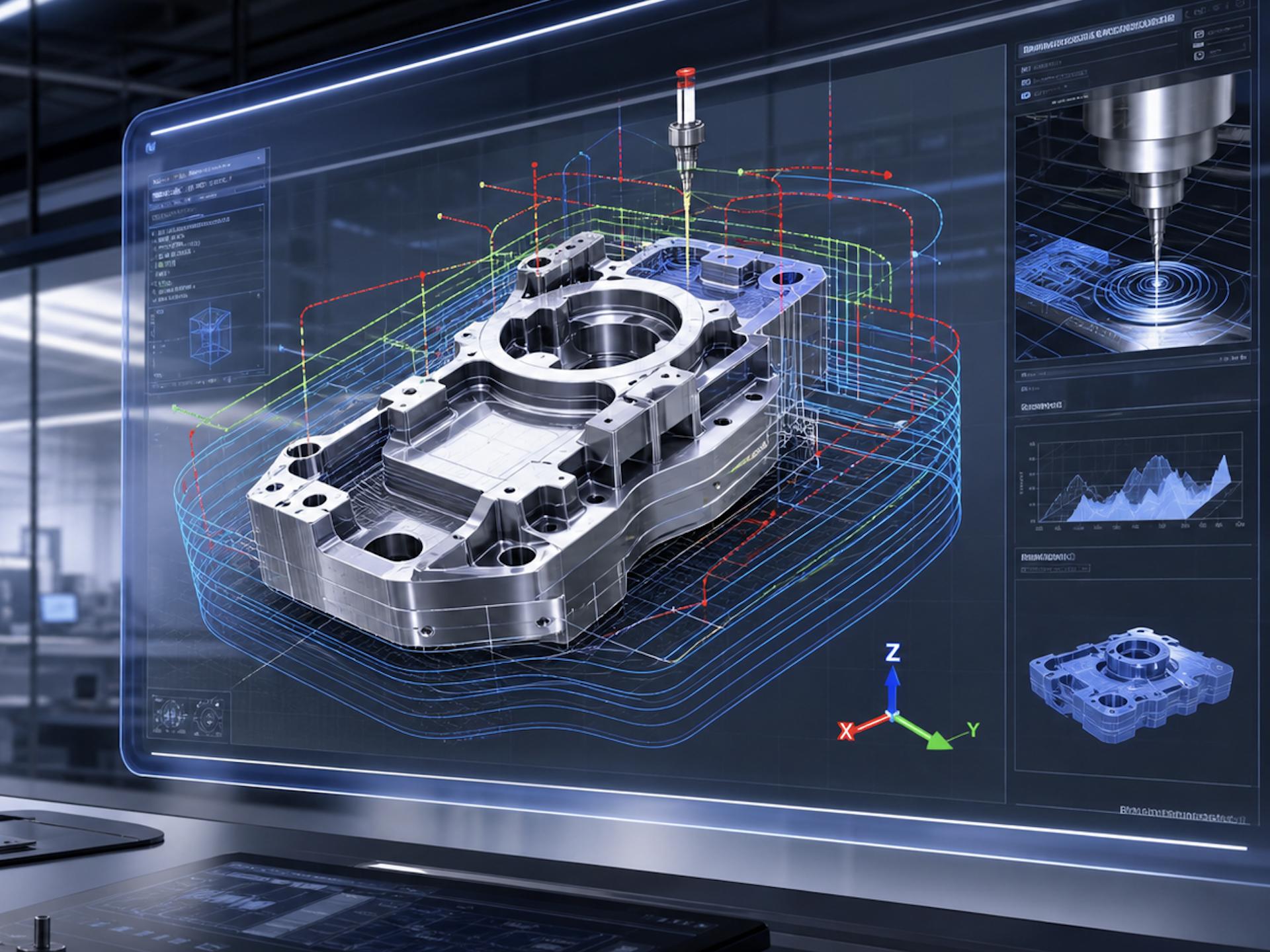 Integrated CAD/CAM is an approach to product development and manufacturing in which design and manufacturing programming operate within a connected software environment or through tightly coordinated data relationships.
CAD is used to create and modify 3D parts, assemblies and engineering drawings. CAM uses the relevant geometry and manufacturing information to define machining operations, cutting tools, toolpaths and CNC output.
When CAD and CAM are integrated, manufacturing programmers can work more directly with engineering design data. Depending on the software architecture, the workflow may preserve model references and support updates when the design changes.
The exact level of integration varies by software, product configuration, licensing and implementation.
CAD vs. CAM: What Is the Difference?
| Criteria | CAD | CAM |
|---|---|---|
| Primary purpose | Designing products and engineering components | Planning manufacturing operations |
| Typical inputs | Design requirements, dimensions and constraints | 3D geometry, stock, tools and machining requirements |
| Main activities | Modeling, assemblies, drawings and design revisions | Operation planning, toolpath creation and NC programming |
| Typical outputs | 3D models, assemblies and drawings | Toolpaths, machining documentation and postprocessed NC programs |
| Key users | Design engineers and product developers | CAM programmers, manufacturing engineers and CNC specialists |
CAD and CAM serve different purposes, but their outputs are closely related. A design revision may affect machining strategy, tool access, stock conditions or finishing requirements.
How Does an Integrated CAD/CAM Workflow Work?
A typical design-to-manufacturing workflow includes the following stages. The exact sequence depends on the part, production method and software capabilities.
1. Create the CAD model
Design engineers create the 3D part or assembly, define dimensions and constraints, and review design requirements. For mold and tooling applications, this stage may also include parting concepts, core and cavity considerations, and assembly interfaces.
2. Prepare the manufacturing setup
The manufacturing programmer identifies the workpiece or stock, coordinate system, machine configuration, fixtures and workholding requirements. Setup decisions should reflect the actual production environment.
3. Define machining operations
CAM programmers select machining strategies, cutting tools, feeds, speeds and machining parameters according to material, geometry, machine capability and required surface quality.
4. Generate and review toolpaths
The software calculates toolpaths based on the selected operations and manufacturing setup. Programmers review cutting motions, linking moves, clearances and potential collisions where supported by the simulation environment.
5. Postprocess and validate NC output
A suitable postprocessor converts supported manufacturing data into NC code for the target CNC controller. The output must be checked against the actual machine configuration, controller requirements, tooling and setup.
6. Manage engineering changes
When the CAD model changes, associated manufacturing references may help identify affected operations or geometry. Depending on the integration and the nature of the change, toolpaths may require updates or complete regeneration, followed by simulation and NC validation.
7 Key Benefits of Integrated CAD/CAM
1. Reduce repetitive geometry translation
Working with connected design data can reduce unnecessary exports, imports and manual geometry reconstruction. This helps minimize avoidable data-handling errors, although model quality and configuration still matter.
2. Support associative toolpath updates
Associative relationships can help maintain references between design geometry and manufacturing operations. When a referenced feature changes, programmers may be able to identify affected operations more efficiently.
Associativity does not mean every toolpath updates safely or automatically. Changes must be reviewed, regenerated when required and validated before machining.
3. Improve design and manufacturing consistency
Connected workflows help engineering and manufacturing teams work from more consistent product information. This is particularly useful when design revisions occur during production preparation.
4. Reduce repetitive programming work
Depending on the software and operation structure, reusable manufacturing strategies and preserved references can reduce repeated setup and programming tasks.
5. Identify manufacturability issues earlier
Manufacturing teams can review tool access, workholding, machining orientation and feature accessibility while design decisions are still being evaluated.
6. Improve cross-functional collaboration
Design engineers, manufacturing engineers and CNC programmers can communicate changes through a more coordinated workflow, reducing ambiguity about geometry revisions and manufacturing intent.
7. Support a more connected digital manufacturing process
Integrated CAD/CAM can form part of a broader digital engineering environment that connects product definition, manufacturing planning, simulation and production processes.
Enterprise-wide product data management, revision control and manufacturing release workflows may require additional PLM or data-management capabilities.
Integrated CAD/CAM vs. Separate CAD and CAM Systems
Both integrated and separate CAD/CAM approaches can be appropriate. The right choice depends on manufacturing complexity, existing software, programming requirements and data-management needs.
| Evaluation Criteria | Integrated CAD/CAM | Separate CAD and CAM |
|---|---|---|
| Design-to-manufacturing data | Can provide more direct geometry references | May rely on file exchange or connectors |
| Engineering changes | Associativity may support change identification and updates | May require reimporting or repairing references |
| Programming environment | Can reduce switching between applications | May provide specialized tools for specific processes |
| Implementation | Requires suitable configuration and user training | Requires reliable interoperability and data exchange procedures |
| Best fit | Teams seeking a connected design and manufacturing workflow | Teams with established specialist tools or diverse manufacturing needs |
An integrated platform is not automatically superior in every situation. A specialized CAM solution may be better suited to particular machines, advanced machining strategies or established shop-floor workflows.
How PTC Creo Supports CAD/CAM Integration
PTC Creo provides capabilities for product design and manufacturing within its broader engineering software portfolio. Depending on the selected products and license configuration, Creo-based workflows can connect parametric design data with supported manufacturing programming processes.
Creo Parametric for product design
Creo Parametric supports 3D part modeling, assemblies and engineering design activities. Parametric relationships can help engineers manage design intent and revisions.
Creo CAM for manufacturing programming
Creo CAM capabilities support manufacturing programming workflows, including supported machining operations, toolpath creation and NC output. Available capabilities depend on the licensed modules, configuration and machine requirements.
Design changes and manufacturing references
Associative design-to-manufacturing relationships can help teams manage geometry changes. Programmers should review operation dependencies, regenerate affected toolpaths and verify machining results after relevant revisions.
Simulation and postprocessing considerations
Manufacturing verification depends on the available simulation functions, machine definition, tooling, fixtures, controller configuration and postprocessor. A software simulation should not be treated as a substitute for every required machine-level safety check.
Learn more about PTC Creo and available Creo extensions.
Looking for a CAD/CAM Solution for Your Engineering Workflow?
Explore how PTC Creo may support your product design, manufacturing programming and engineering change processes.
CADCAM SOFTWARE can help your team evaluate software capabilities and identify a suitable configuration based on your actual workflow.
Practical Example: Mold Design and CNC Manufacturing
Consider a manufacturer developing an injection mold for a plastic component. The design team creates the part model and develops the mold structure, including relevant core and cavity geometry.
During design review, an engineering revision changes a feature on the molded component. That modification may affect the cavity surface, local machining allowance, tool access or finishing operations.
How an integrated workflow can help
- Design engineers update the relevant model features.
- Manufacturing programmers review affected geometry references.
- Potentially affected machining operations are identified.
- Toolpaths are updated or regenerated as necessary.
- Programmers verify tool clearance, cutting conditions and machining sequence.
- NC output is postprocessed and validated for the target CNC machine.
This workflow can improve coordination between mold design and manufacturing. However, the impact of a design change depends on the geometry, toolpath strategy, workholding and machining setup.
Common Mistakes When Implementing Integrated CAD/CAM
- Assuming associativity guarantees correctness: Model references may remain connected while machining conditions become invalid.
- Skipping toolpath regeneration: Relevant design changes may require recalculation of manufacturing operations.
- Ignoring machine configuration: Incorrect machine definitions or setup assumptions can compromise verification.
- Using an unsuitable postprocessor: NC output must match the target CNC controller and machine configuration.
- Overlooking workholding and fixtures: A valid toolpath on the part alone does not prove collision-free machining.
- Failing to control revisions: Teams need clear rules for design approval, manufacturing release and NC program versioning.
- Choosing software based only on features: Actual machining requirements, training, implementation and support should also be evaluated.
Engineering Perspective from CADCAM SOFTWARE
When evaluating an integrated CAD/CAM workflow, do not test only a completed model. Select a representative production part and perform a controlled geometry revision.
Review whether the software helps identify affected manufacturing operations, maintain relevant references, regenerate toolpaths and validate the resulting NC program. This provides a more practical basis for evaluating workflow suitability than a feature checklist alone.
When Should Manufacturers Choose Integrated CAD/CAM?
Integrated CAD/CAM may be particularly valuable when:
- Design and manufacturing teams frequently exchange geometry and engineering revisions.
- Manufacturing programmers work closely with product design engineers.
- Parts contain complex geometry or frequent design changes.
- Mold, tooling and precision machining workflows depend on consistent design data.
- The organization wants to reduce fragmented engineering processes.
A separate CAD and CAM setup may remain appropriate when a company relies on specialized machining software, complex multi-vendor environments or established production workflows that already perform reliably.
5 Criteria for Evaluating an Integrated CAD/CAM Solution
- CAD/CAM associativity: Understand how geometry references, revisions and dependencies are handled.
- Manufacturing capabilities: Verify the required milling, turning, multiaxis or other machining functions are supported by the selected configuration.
- Postprocessor compatibility: Confirm compatibility with the actual CNC machine and controller.
- Simulation and verification: Evaluate toolpath checks, machine simulation and NC validation requirements.
- Licensing and implementation: Review licensing, training, deployment, support and integration with existing systems.
For organizations managing product structures, engineering revisions and manufacturing information across departments, it may also be necessary to evaluate PLM and product data management capabilities.
Frequently Asked Questions About Integrated CAD/CAM
1. What is integrated CAD/CAM software?
Integrated CAD/CAM software connects product design and manufacturing programming through a coordinated environment or connected data relationships, helping teams work with consistent design geometry and manufacturing information.
2. What is the main benefit of CAD/CAM integration?
One major benefit is improved design-to-manufacturing coordination, especially when engineering changes affect CNC programming and machining operations.
3. Does integrated CAD/CAM automatically update toolpaths?
Not necessarily. Associativity may support reference updates or change identification, but affected toolpaths must be reviewed, regenerated when necessary and validated.
4. Is integrated CAD/CAM suitable for mold manufacturing?
It can be useful for mold design and machining workflows where core, cavity and tooling geometry changes may affect manufacturing operations.
5. What is the difference between CAD/CAM and PLM?
CAD/CAM focuses on product design and manufacturing programming. PLM supports broader product lifecycle processes, which may include product data, revisions, workflows and cross-functional collaboration.
6. Can integrated CAD/CAM reduce manufacturing errors?
It can help reduce certain data-handling and coordination errors, but machining accuracy and safety still depend on programming quality, setup, tooling, machine conditions and verification.
7. Does PTC Creo support CAD/CAM workflows?
PTC Creo offers design and manufacturing capabilities across its product portfolio. Available functions depend on the selected products, license configuration and manufacturing requirements.
8. How should a company evaluate CAD/CAM software?
Start with representative production parts, engineering change scenarios, machining requirements, postprocessor compatibility, simulation needs and implementation constraints.
Connect Your Design and Manufacturing Workflow
Choosing a CAD/CAM solution starts with understanding your engineering requirements, CNC environment and product development process.
Contact CADCAM SOFTWARE to discuss PTC Creo solutions and evaluate a suitable configuration for your organization.
Conclusion
Integrated CAD/CAM helps connect engineering design with CNC manufacturing programming. By reducing unnecessary data handoffs, supporting associative references and improving collaboration, it can help manufacturers manage design changes more effectively.
The best results come from combining appropriate software capabilities with disciplined engineering processes, verified machine configurations, validated postprocessors and reliable manufacturing checks.
For manufacturers exploring connected design-to-manufacturing workflows, PTC Creo may be worth evaluating against actual part complexity, programming requirements and production goals.