
Creo vs SolidWorks: Which CAD Software Should You Choose?
Choosing the right 3D CAD platform can have a significant impact on product development, engineering collaboration, manufacturing, and data management. Two solutions frequently evaluated by mechanical engineering companies are PTC Creo and SOLIDWORKS.
Both platforms provide professional tools for parametric 3D modeling, assemblies, engineering drawings, simulation, and product development. However, their capabilities, ecosystems, and implementation approaches can differ depending on the complexity of the product and the engineering workflow.
In this Creo vs SolidWorks comparison, CADCAM SOFTWARE examines the key differences between the two CAD platforms, including 3D design, large assemblies, mold design, simulation, generative design, manufacturing, and product data management.

What Is PTC Creo?
 PTC Creo is a professional 3D CAD platform developed by PTC for product design and engineering. It supports workflows ranging from parametric modeling and assembly design to simulation, Model-Based Definition (MBD), generative design, additive manufacturing, mold and die design, and manufacturing.
Creo is designed to support product development processes in which engineering data, design intent, and downstream manufacturing information need to remain connected throughout the product lifecycle.
Its parametric modeling environment allows engineers to define relationships, dimensions, features, and constraints that control how a model behaves when design changes are made.
For companies developing complex mechanical products, machinery, industrial equipment, molds, or engineered products with multiple configurations, this type of design methodology can help create a more structured engineering workflow.
Learn more about
PTC Creo software
from CADCAM SOFTWARE.
Additional product information is available on the
official PTC Creo website
.

What Is SOLIDWORKS?
 SOLIDWORKS is a widely used 3D CAD platform for mechanical design and product development. It provides tools for creating parts, assemblies, engineering drawings, sheet metal components, weldments, and other mechanical designs.
The SOLIDWORKS ecosystem also includes solutions for simulation, manufacturing, rendering, collaboration, and product data management.
Its graphical interface and established mechanical design workflow make it a familiar CAD environment for many engineers and product development teams.
Depending on the selected products and services, organizations can also connect SOLIDWORKS workflows with the broader 3DEXPERIENCE ecosystem from Dassault Systèmes.
More information is available from the
official SOLIDWORKS website
.

Creo vs SolidWorks: Quick Comparison
When evaluating Creo vs SolidWorks, companies should consider more than basic 3D modeling. The appropriate platform depends on product complexity, engineering processes, manufacturing requirements, data management strategy, and the existing software environment.
| Comparison Area | PTC Creo | SOLIDWORKS |
|---|---|---|
| Parametric 3D Modeling | Comprehensive parametric and feature-based modeling | Comprehensive parametric and feature-based modeling |
| Part Design | Supports basic to highly complex product geometry | Strong mechanical part design capabilities |
| Assembly Design | Supports complex product structures and advanced assembly workflows | Provides extensive mechanical assembly tools |
| Large Assemblies | Includes tools for managing complex and large product structures | Includes tools and performance modes for large assemblies |
| Surfacing | Advanced surface modeling capabilities are available | Provides surface modeling tools for product design |
| Mold & Die Design | Dedicated capabilities for mold, die, and tooling workflows | Provides mold design tools and related workflows |
| Simulation | Integrated simulation capabilities with additional advanced options | SOLIDWORKS Simulation and additional simulation solutions are available |
| Generative Design | Generative design capabilities integrated into the Creo ecosystem | Optimization and related capabilities are available across the ecosystem |
| Manufacturing | CAD, CAM, additive manufacturing, and tooling workflows within the Creo ecosystem | Manufacturing capabilities are available through SOLIDWORKS and partner solutions |
| PLM Integration | Integration with PTC Windchill | Integration options within the Dassault Systèmes ecosystem |
Creo vs SolidWorks for Parametric 3D Modeling
Both platforms use parametric, feature-based modeling. Engineers can create sketches, features, dimensions, constraints, patterns, holes, rounds, chamfers, and other geometry required for mechanical product development.
One important consideration is how the CAD system manages design intent. A well-structured parametric model should allow engineers to make design changes without unnecessarily rebuilding downstream geometry.
Creo has a long history of parametric modeling and provides extensive tools for defining relationships between product features. This can be particularly relevant when engineers work with configurable products or designs that undergo frequent engineering changes.
SOLIDWORKS also provides feature-based parametric modeling and is widely used for mechanical parts, machines, equipment, fixtures, and general product development.
Creo vs SolidWorks for Large Assembly Design
Assembly performance becomes increasingly important as products grow from a few components to hundreds or thousands of parts.
Large assemblies can introduce challenges involving system performance, product structure, component relationships, engineering changes, and collaboration between multiple design teams.
Creo provides tools such as simplified representations and top-down design methodologies that can support engineers working with complex product structures.
SOLIDWORKS also includes capabilities designed to improve workflows for large assemblies, including tools for controlling how assembly data is loaded and displayed.
Instead of comparing the platforms only by a theoretical component count, companies should test representative assemblies using their actual engineering data, workstation configurations, and typical design operations.
Creo vs SolidWorks for Mold Design
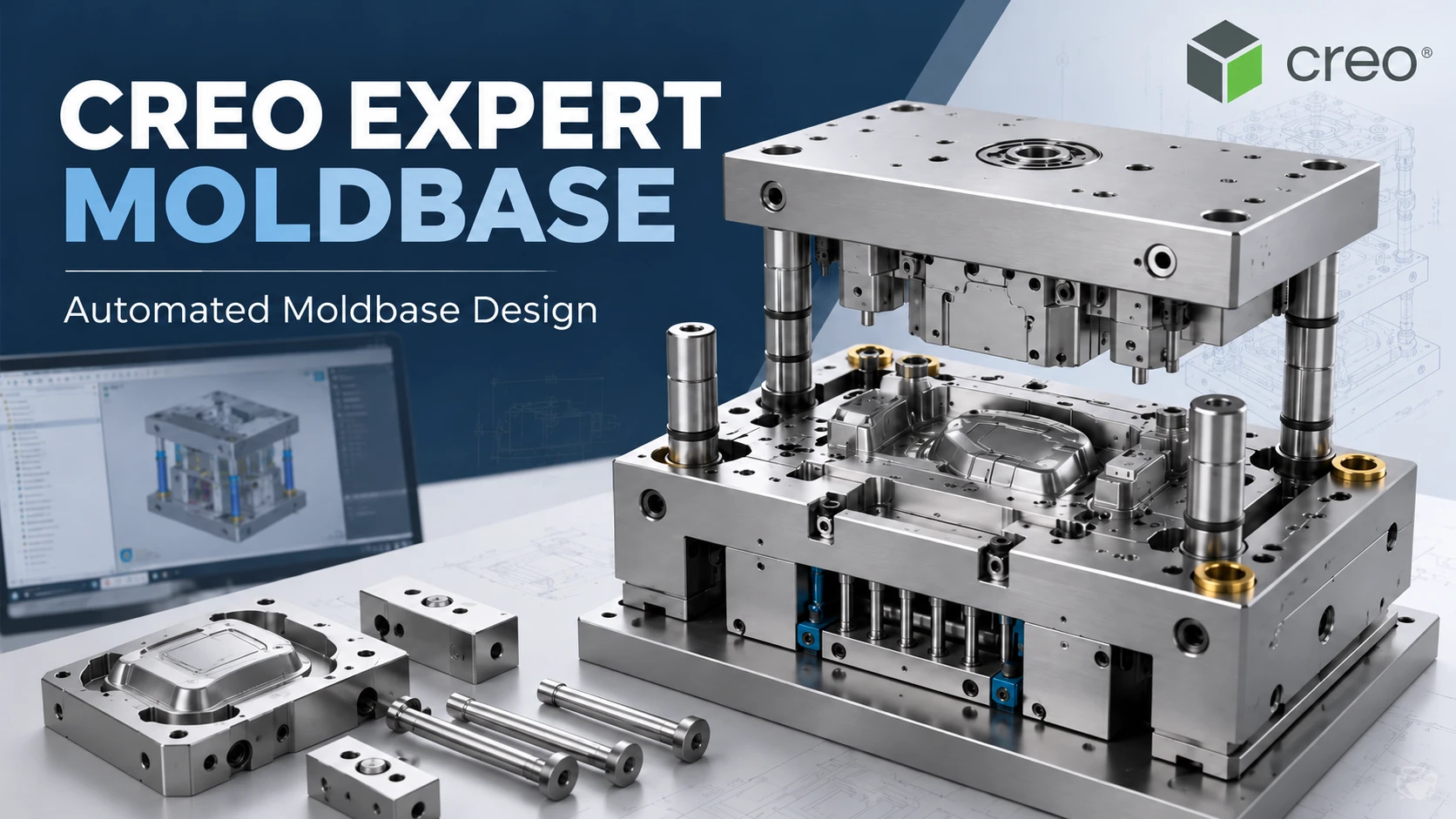
Mold and tooling design is particularly important for companies involved in plastic injection molding, die casting, consumer products, automotive components, electronics, and industrial manufacturing.
Creo provides dedicated capabilities for mold and die design. Depending on the selected configuration, engineers can build workflows that connect product geometry with tooling development and downstream manufacturing.
A typical mold development workflow may involve product geometry analysis, parting-related operations, mold components, tooling design, and preparation for manufacturing.
This integration can be useful when the same engineering organization is responsible for both product development and production tooling.
Learn more about
Creo Mold Design
and its applications in mold and tooling development.
Creo vs SolidWorks for Simulation
Simulation allows engineering teams to evaluate product behavior before physical prototypes are manufactured. Depending on the application, companies may need structural, thermal, modal, fluid flow, fatigue, nonlinear, or other forms of engineering analysis.
Creo provides simulation capabilities within its product development environment. This approach can allow designers and engineers to evaluate certain design decisions while remaining within the CAD workflow.
SOLIDWORKS also provides simulation capabilities through SOLIDWORKS Simulation and related solutions in the Dassault Systèmes ecosystem.
When comparing simulation capabilities, companies should identify the specific engineering problems they need to solve rather than simply asking whether a CAD platform includes “simulation.”
For example, an engineer performing basic design validation may have very different requirements from a specialist performing nonlinear structural analysis or advanced fluid simulation.
Generative Design and Design Optimization
Generative design changes the traditional product development process by allowing engineers to define engineering objectives and constraints before exploring potential design solutions.
Creo includes generative design capabilities that can be used to explore design alternatives based on factors such as loads, materials, manufacturing constraints, and performance requirements.
This approach can be useful for applications where companies want to reduce weight, improve performance, explore alternative geometries, or develop components suitable for advanced manufacturing processes.
The value of generative design depends heavily on the actual engineering application. Companies should therefore evaluate the technology using representative components rather than treating it as a standalone CAD feature.
Creo vs SolidWorks for Manufacturing
For manufacturing companies, CAD is only one stage of the product development process. Engineering data may eventually need to support tooling, CNC machining, inspection, additive manufacturing, documentation, and production.
Creo provides capabilities that can connect product design with several downstream manufacturing workflows, including CNC manufacturing, mold and die development, and additive manufacturing.
Using connected engineering data can help reduce unnecessary geometry recreation when a design changes.
SOLIDWORKS also supports manufacturing workflows through its own ecosystem and associated manufacturing technologies.
Companies should therefore evaluate how each CAD platform fits into their complete digital process, from product concept to production, rather than evaluating CAD modeling in isolation.
Creo vs SolidWorks for Product Data Management and PLM
As engineering teams grow, managing CAD files through folders and individual workstations can become increasingly difficult.
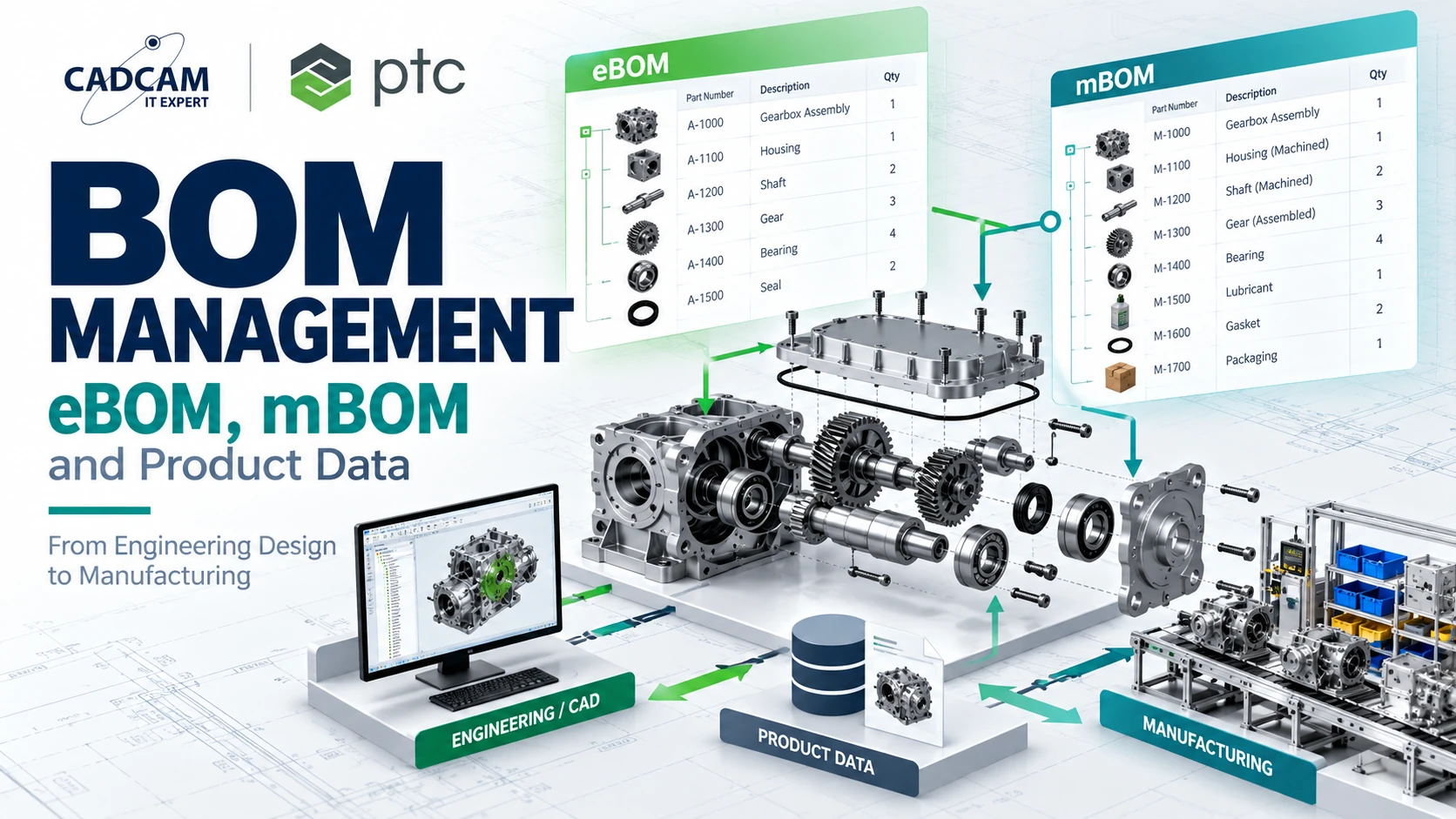
Companies may need to control product structures, revisions, engineering changes, approvals, access permissions, Bills of Materials, and collaboration between departments.
Creo can be integrated with PTC Windchill, a Product Lifecycle Management (PLM) platform designed to manage product information and engineering processes across the product lifecycle.
SOLIDWORKS users can also access product data management and lifecycle capabilities through SOLIDWORKS and the broader Dassault Systèmes ecosystem.
For organizations planning a CAD implementation, the future data management strategy should therefore be considered together with the CAD decision.
When Should a Company Consider SOLIDWORKS?
SOLIDWORKS may be considered by companies that need professional 3D mechanical CAD for parts, assemblies, engineering drawings, and general product development.
It may also be relevant when an engineering team already has an established SOLIDWORKS environment, existing design data, trained engineers, and connected applications.
In such situations, migration costs, engineering productivity, existing templates, libraries, integrations, and training requirements should all be considered before changing CAD platforms.
When Should a Company Consider PTC Creo?
PTC Creo may be considered when a company has requirements such as:
- Complex mechanical products and assemblies.
- Structured parametric modeling and design intent.
- Advanced product development workflows.
- Mold, die, and tooling design.
- Advanced surfacing requirements.
- Integrated simulation capabilities.
- Generative design and design optimization.
- Additive manufacturing workflows.
- CAD-to-manufacturing integration.
- Model-Based Definition (MBD).
- Integration with PTC Windchill PLM.
- Engineering environments involving multiple R&D users.
The relevance of these capabilities depends on the company’s actual products and processes. A company should therefore define its engineering requirements before selecting a software configuration.
Creo or SolidWorks: How Should Your Business Decide?
The decision should not be based only on the question of which CAD software has more features. The more important question is which platform fits the company’s engineering and manufacturing workflow.
Before selecting a CAD solution, consider the following factors:
- Types of products being designed.
- Complexity of individual parts.
- Size and complexity of assemblies.
- Number of CAD users and engineering teams.
- Frequency of engineering changes.
- Surface modeling requirements.
- Mold and tooling requirements.
- Simulation requirements.
- CAM and CNC manufacturing requirements.
- Product data management requirements.
- PLM strategy.
- Existing CAD data.
- Training and implementation requirements.
For a company evaluating a new CAD platform, a practical approach is to perform a technical evaluation using representative product data.
Instead of relying only on feature lists or demonstrations, engineers can evaluate how each platform handles the actual parts, assemblies, design changes, drawings, molds, or manufacturing workflows used by the company.
Can a Company Move from SOLIDWORKS to Creo?
Companies can exchange engineering geometry between different CAD systems using several neutral and multi-CAD workflows.
However, transferring geometry is not necessarily the same as transferring the complete modeling history or design intent.
Before migrating a large CAD database, companies should determine which legacy models need to remain editable, which files only need to be referenced, and which products are still actively being developed.
A controlled migration strategy can be more practical than attempting to convert every historical CAD file at once.
PTC Creo Consulting for Engineering and Manufacturing Companies
CADCAM SOFTWARE provides consulting for companies evaluating PTC Creo for product design, mechanical engineering, mold design, simulation, and manufacturing applications.
Before selecting a Creo configuration, companies should identify their actual engineering requirements, including the number of users, product complexity, required modules, manufacturing processes, simulation requirements, and data management strategy.
This helps determine which Creo capabilities are relevant to the organization instead of selecting software based only on a general feature list.
For licensing and commercial information, Creo pricing should be confirmed according to the required configuration, modules, number of users, licensing model, and current official commercial conditions.
Contact CADCAM SOFTWARE
for a consultation based on your company’s engineering requirements.
Frequently Asked Questions About Creo vs SolidWorks
What is the main difference between Creo and SolidWorks?
Both are professional parametric 3D CAD platforms. The differences become more relevant when evaluating specific engineering workflows such as complex assemblies, mold and die development, simulation, manufacturing, product data management, and PLM integration.
Is Creo suitable for mold design?
Yes. Creo provides capabilities for mold and die development and can connect product design with tooling and manufacturing workflows. The exact functionality available depends on the Creo configuration and modules selected.
Can Creo handle large assemblies?
Creo includes tools for working with complex assemblies and product structures, including approaches such as simplified representations and top-down design. Actual performance also depends on model complexity, engineering methodology, workstation hardware, and software configuration.
Does Creo include simulation?
Creo provides simulation capabilities for engineering and design validation, with functionality varying according to the selected products and modules. Companies should identify the specific simulation problems they need to solve before selecting a configuration.
Can SOLIDWORKS files be used with Creo?
Multi-CAD and neutral data exchange workflows can be used to work with engineering data from different CAD systems. The level of retained geometry, features, metadata, and design intent depends on the file format and workflow being used.
Is Creo only for large companies?
No. The appropriate CAD platform depends more on engineering requirements than company size alone. Product complexity, manufacturing processes, required functionality, number of users, and data management needs should all be evaluated.
How much does PTC Creo cost?
Creo licensing costs depend on the selected configuration, modules, licensing model, number of users, and current commercial conditions. Companies should request an official quotation based on their actual technical requirements rather than relying on a generic price estimate.
Should a company test Creo before changing CAD platforms?
A technical evaluation using representative product data can help engineering teams understand how Creo fits their actual workflow. Companies can evaluate relevant parts, assemblies, drawings, molds, simulation requirements, or manufacturing processes before making an implementation decision.
Conclusion: Choosing Between Creo and SolidWorks
The Creo vs SolidWorks decision should be based on the engineering problems a company needs to solve rather than on a simple feature count.
Both platforms provide professional 3D CAD capabilities for mechanical engineering and product development. Differences become more important when companies consider complex assemblies, design intent, mold and die development, simulation, manufacturing integration, product data management, and lifecycle processes.
For organizations evaluating Creo, the most useful approach is to define the technical requirements first and then evaluate the relevant Creo capabilities using representative engineering data.
CADCAM SOFTWARE can support companies in evaluating PTC Creo configurations based on product design, engineering, manufacturing, and data management requirements.