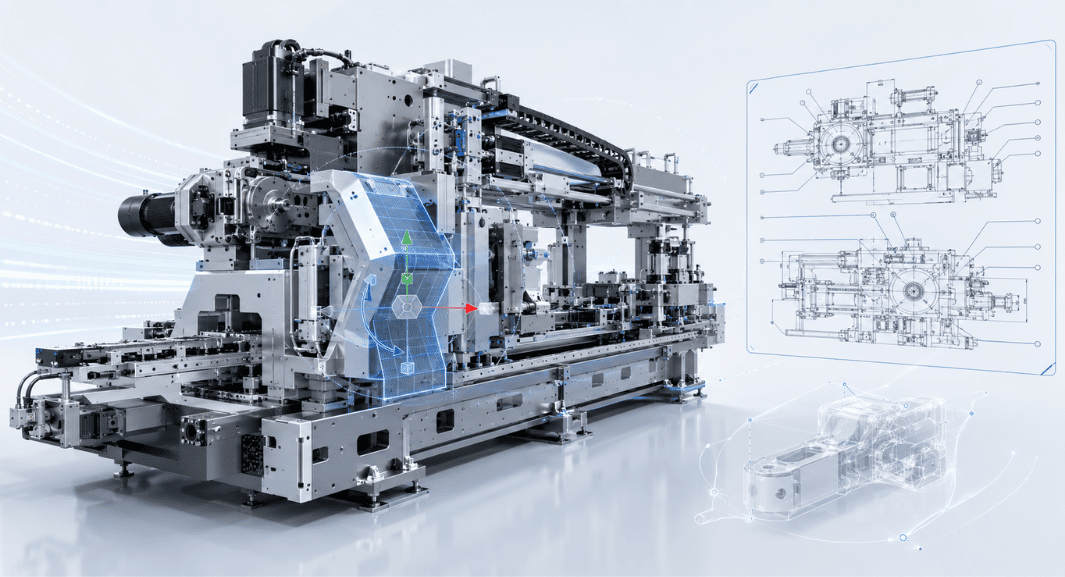
Unlike history-based parametric CAD approaches, Creo Elements/Direct enables engineers to work directly with 3D geometry.
Engineering teams can open Multi-CAD data received from customers, suppliers, or engineering partners and directly modify dimensions, move faces, adjust geometry, or change design features without needing to understand how the original model was created
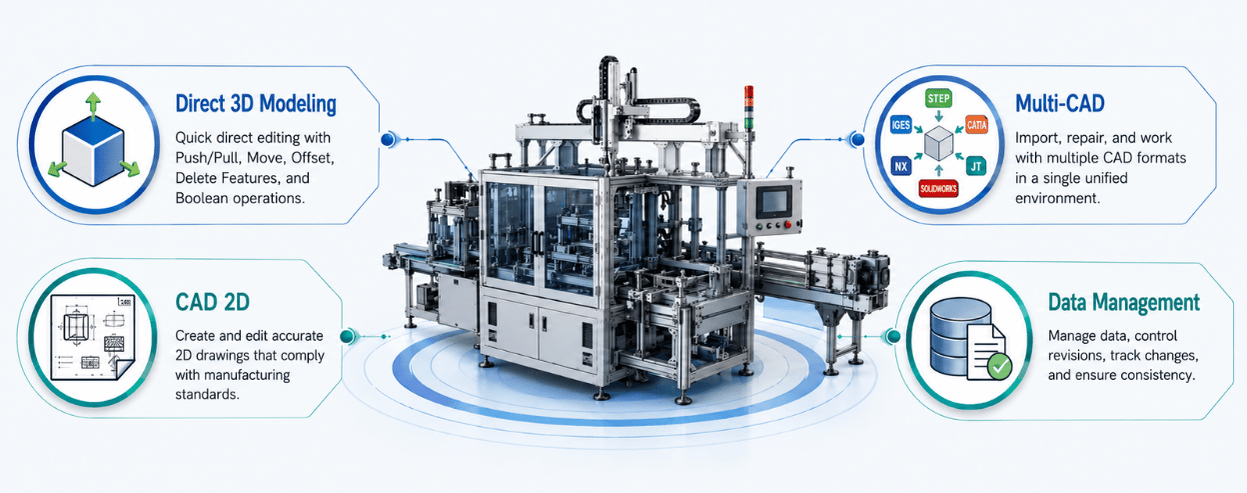
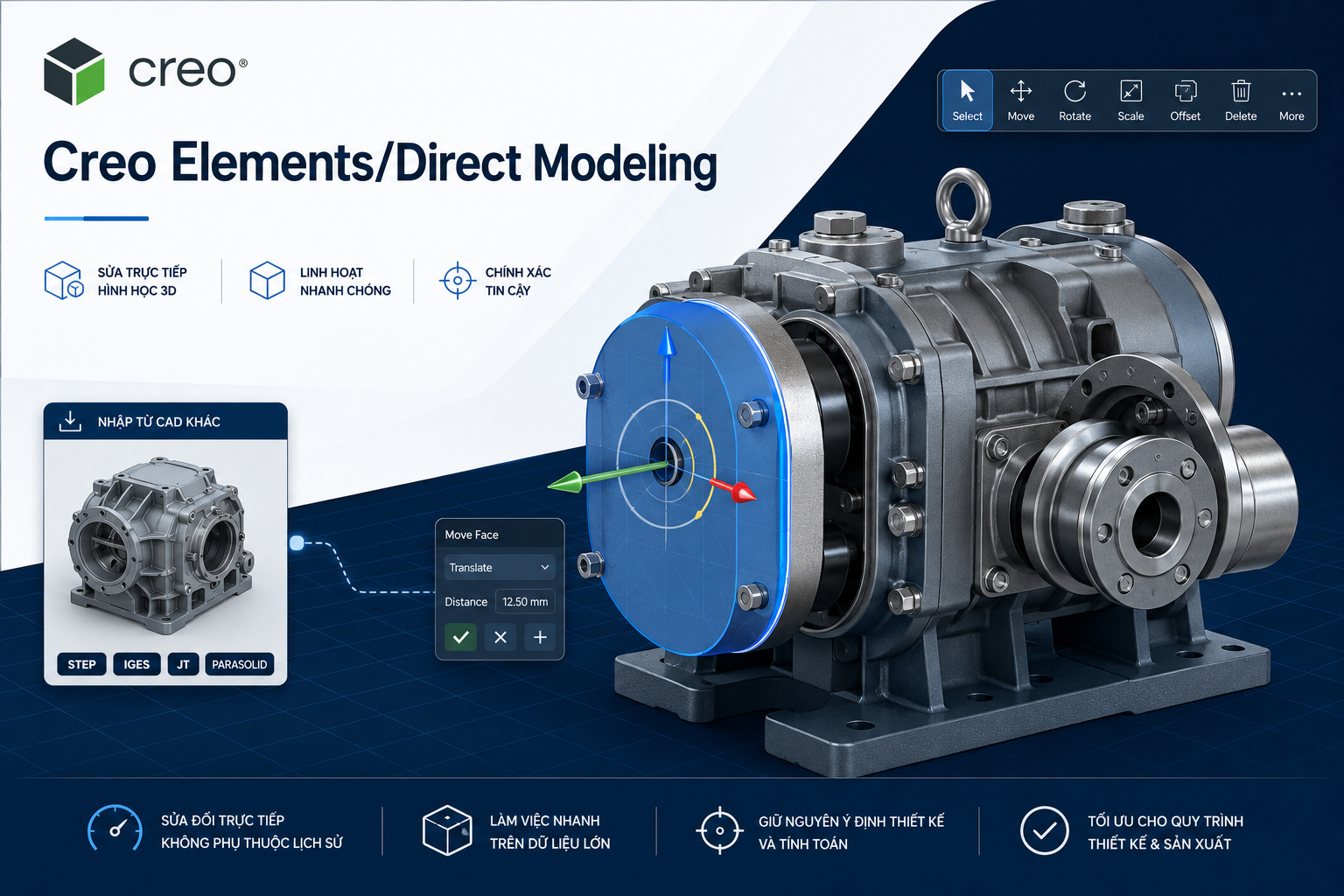
3D Direct Modeling
Directly modify faces, edges, and 3D geometry with a flexible modeling approach.
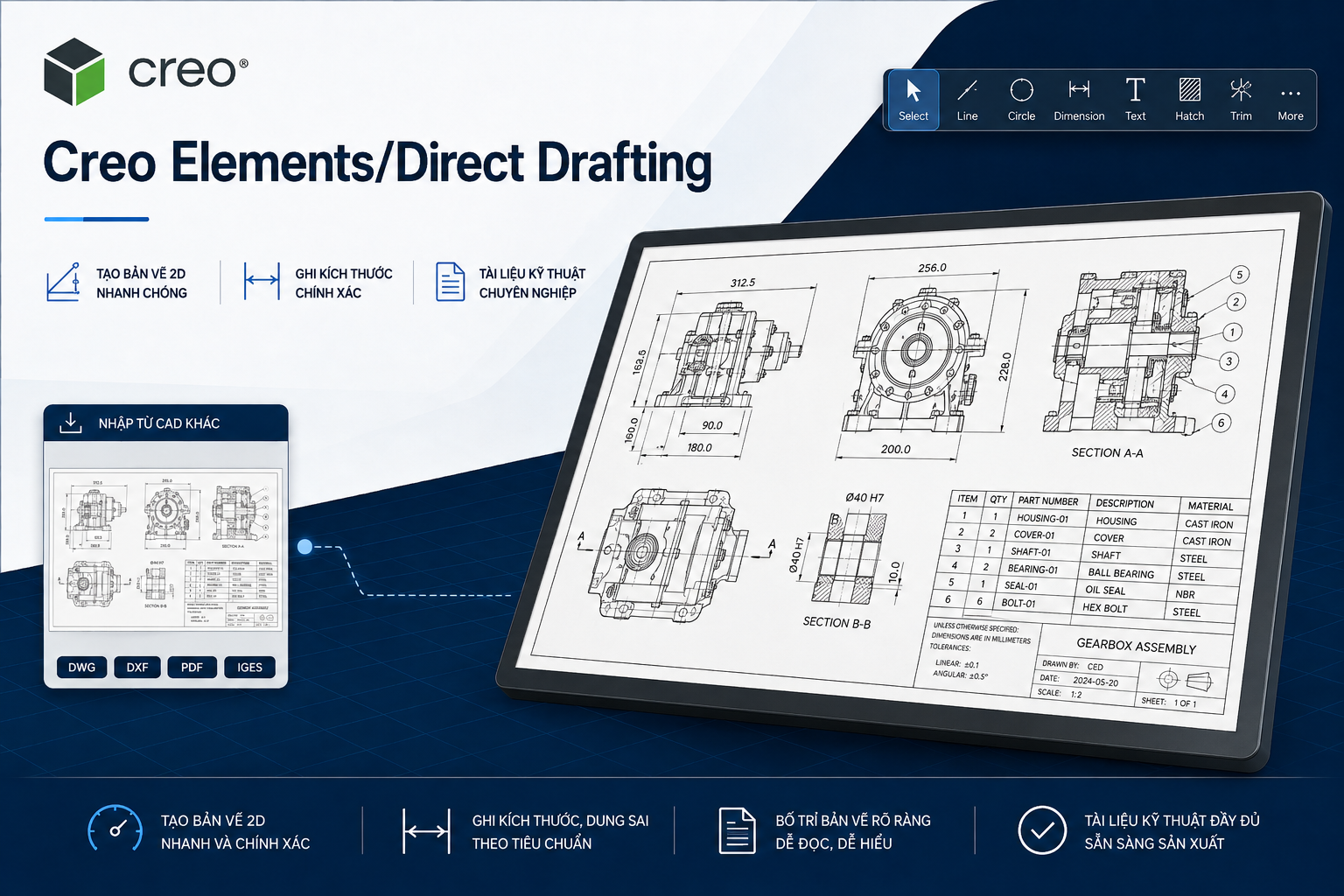
2D CAD Design
Create, manage, and produce industrial-standard 2D engineering drawings.
Multi-CAD Compatibility
Work with CAD data from multiple engineering systems and modify imported geometry without relying on the original feature history.
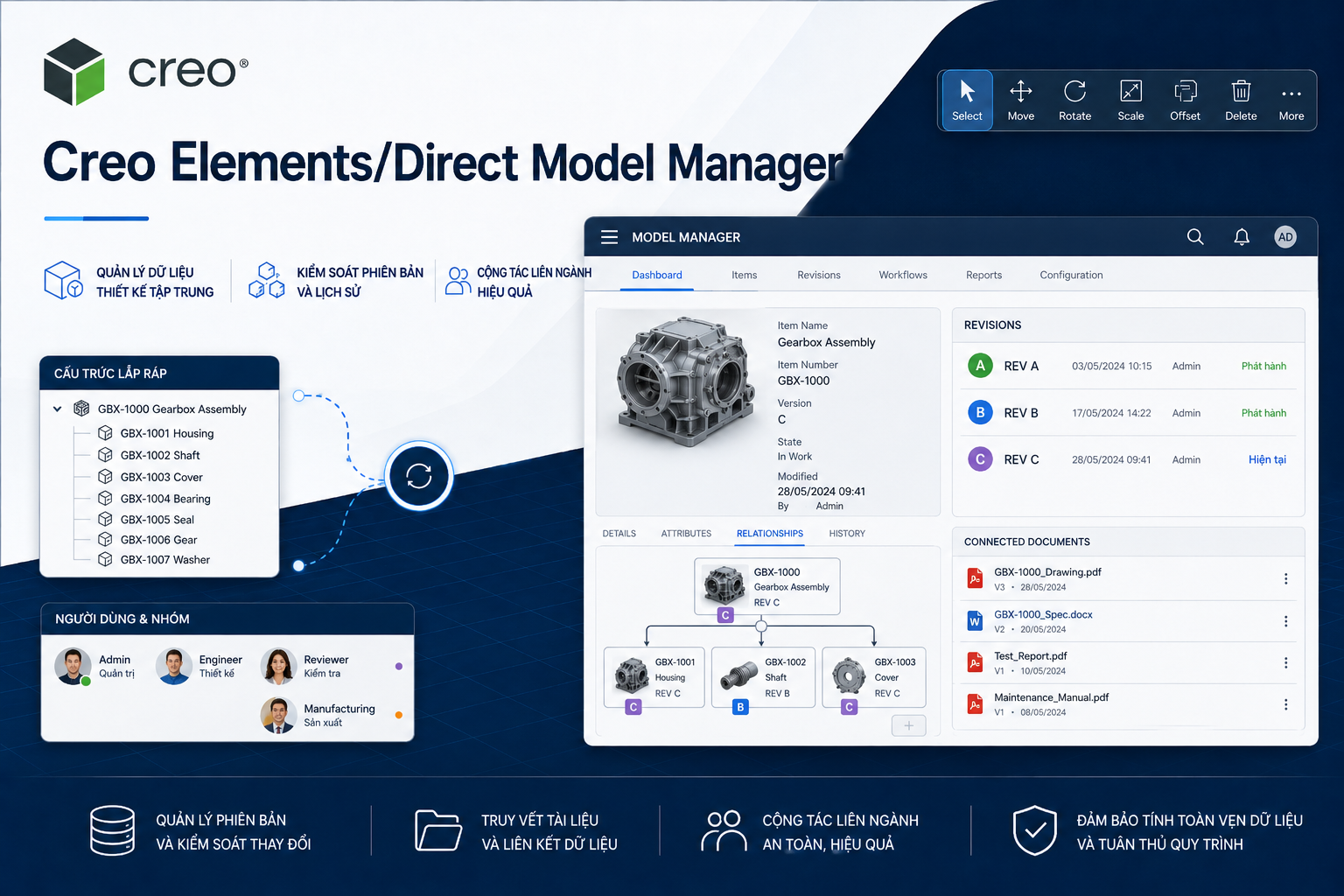
Integrated Data Management
Manage revisions, product structures, and engineering documentation within an integrated environment.
Creo Elements/Direct 20.9 enhances 3D modeling performance, engineering documentation, and Direct Modeling workflows.
Improved performance for large assemblies and complex 3D geometry.
Enhanced 2D drawing and engineering annotation workflows.
Faster geometry recognition and direct editing for efficient design changes.
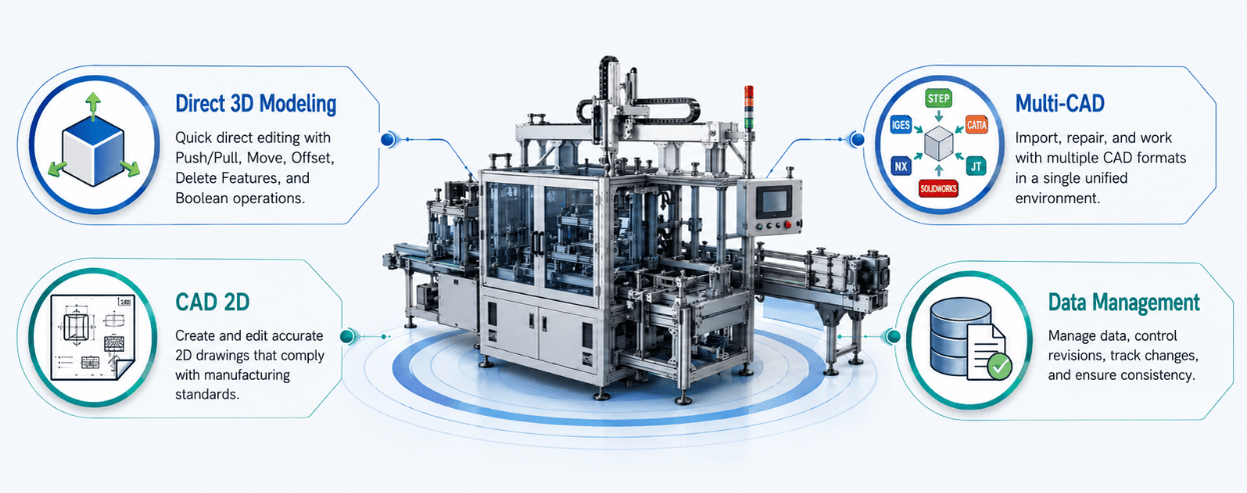
The Creo Elements/Direct portfolio provides an integrated environment covering 3D product design, 2D engineering documentation, and engineering data management.
Manufacturers can extend Creo Elements/Direct Modeling with specialized modules for specific product development and engineering requirements.
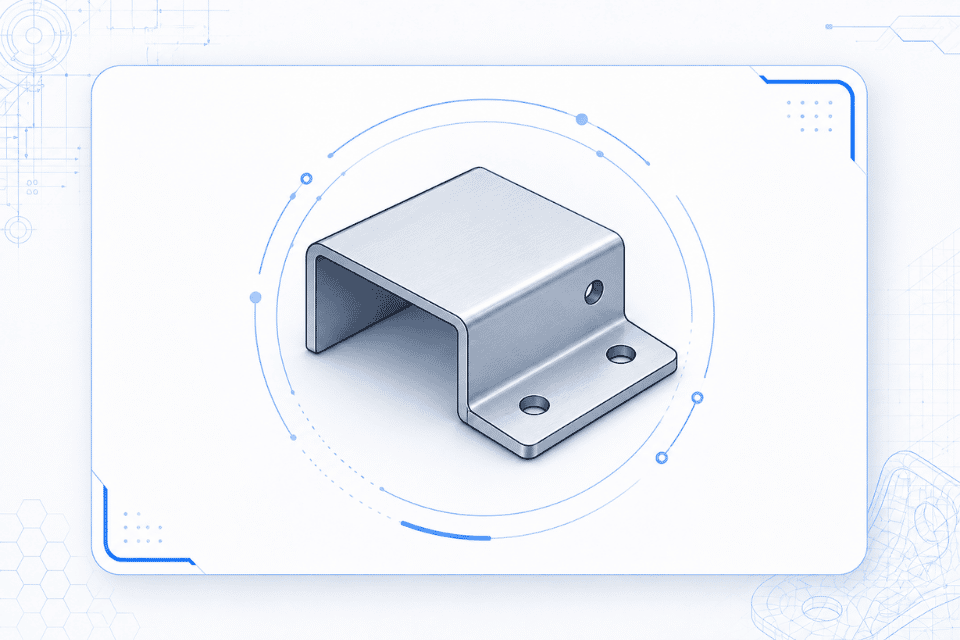
Design and modify sheet metal components, including manufacturing features and flat-pattern preparation.
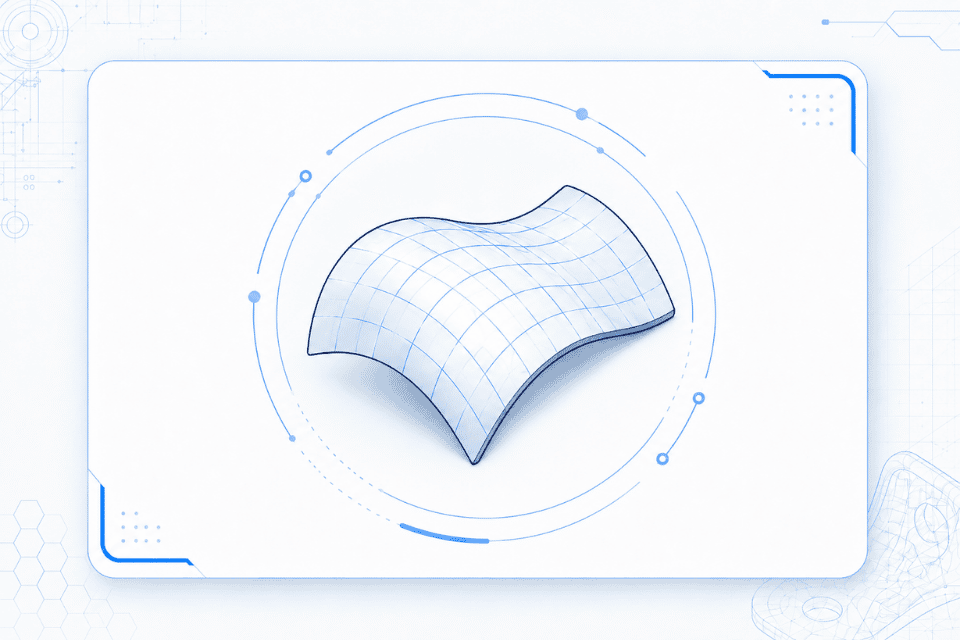
Create and refine complex freeform surfaces for products requiring advanced surface geometry.
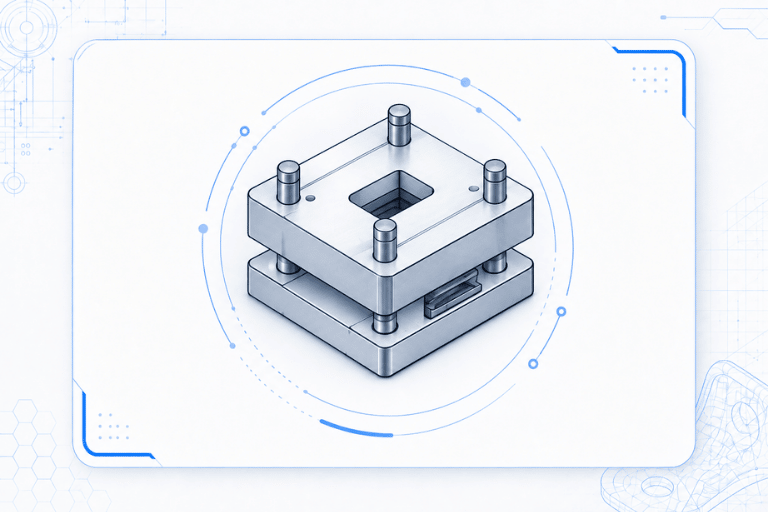
Support the design of mold bases and standardized mold components for tooling applications.
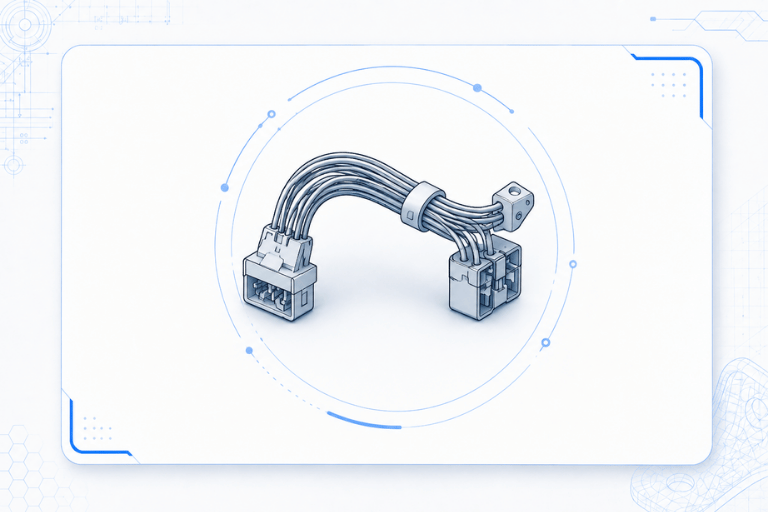
Design 3D electrical cable and wiring systems and generate associated engineering documentation.
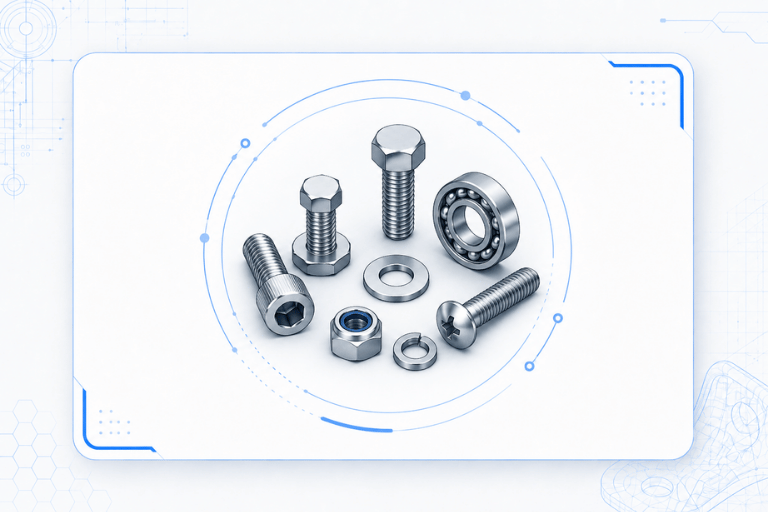
Access a library of more than 173,000 standard components based on standards including ANSI, DIN, ISO, and JIS.
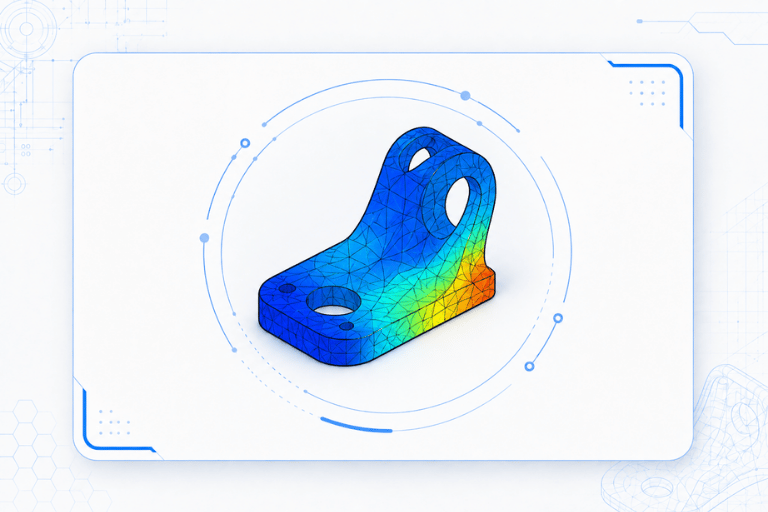
Perform engineering analysis to evaluate stress, deformation, and structural performance directly within the Direct Modeling environment
Create a new design or open native and neutral CAD data from external engineering systems.
Use Push/Pull, Move Face, and direct geometry editing tools to modify dimensions, faces, radii, and other geometric features directly on the 3D model.
Apply specialized capabilities such as Sheet Metal, Mold Base, Cabling, or FEA based on project requirements.
Generate 2D engineering drawings with dimensions, annotations, and manufacturing information.
Store, control access, and manage product revisions using Creo Elements/Direct Model Manager.
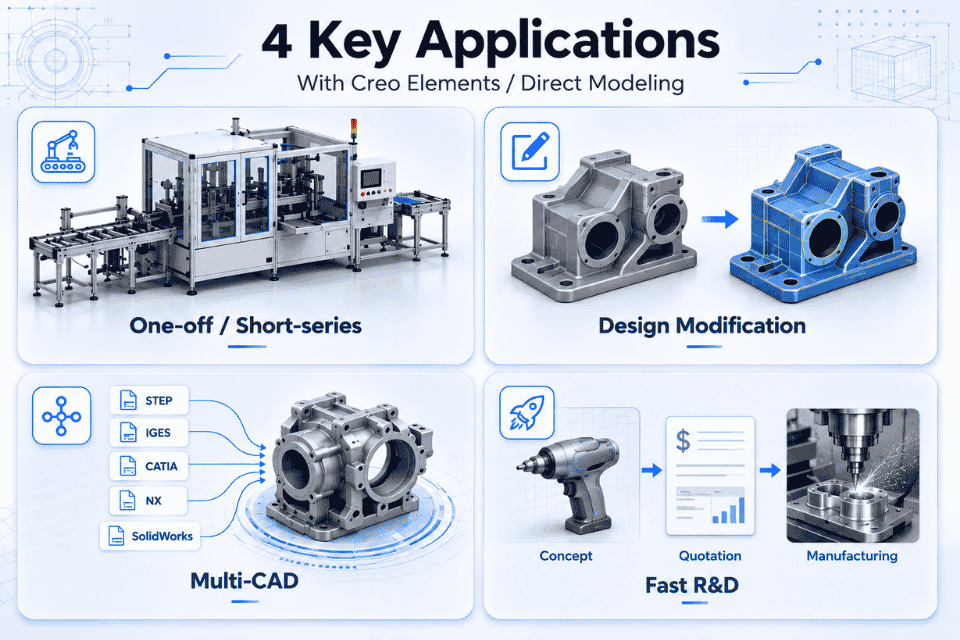
Ideal for custom machinery and Make-to-Order (MTO) manufacturing.
Quickly modify geometry and product configurations as requirements change.
Easily work with and modify imported CAD data from multiple systems.
Rapidly create and modify 3D concepts for engineering evaluation and quotations.
CADCAM Software provides licensed PTC Creo Elements/Direct solutions and supports manufacturers in improving engineering and product design workflows.
Evaluate the existing engineering workflow to determine whether Direct Modeling or Parametric Modeling is more appropriate for the organization’s requirements.
Provide genuine PTC software licenses based on the appropriate subscription and deployment requirements.
Support software deployment, engineering environment configuration, library setup, and data integration.
Provide Creo Elements/Direct training for engineering teams and ongoing technical support throughout software adoption and operation.
Creo Elements/Direct is PTC’s 2D/3D CAD solution based on Direct Modeling technology, enabling engineers to create and modify 3D geometry directly without depending on a feature-history tree.
Creo Elements/Direct focuses on flexible, history-free Direct Modeling, allowing engineers to modify geometry directly without relying on predefined parameters or feature history.
Creo Parametric, in contrast, uses parametric, feature-based modeling, where models are controlled by dimensions, constraints, relationships, and feature history
The current version presented on this page is Creo Elements/Direct 20.9, featuring enhancements in 3D modeling performance and engineering drawing/annotation management.
Yes. Creo Elements/Direct Model Manager provides centralized management of CAD files, revisions, product structures, and design approval status.